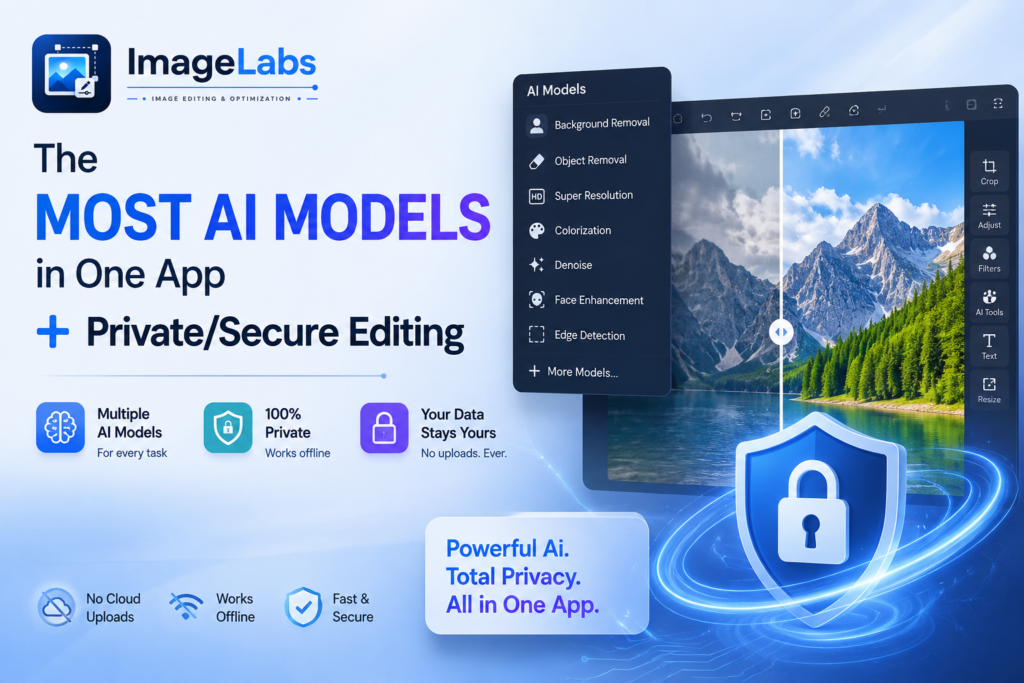
Think about how you actually use AI on your photos today. Need a transparent cut-out? One website. Want to upscale a small image? A different one. Colourise an old family photo, remove a scratch, blur a face for privacy? That’s three or four more sites, most of them behind a sign-up wall, a watermark, or a monthly subscription — and every single one asks you to upload your picture first. You end up scattering copies of your images across half a dozen anonymous servers just to do routine edits. There is a better way, and it fits in one window.
The problem with a website per feature
The web-tool approach has three costs that stack up fast:
- Fragmentation. Every task lives on a different site with a different interface, different limits, and a different export flow. You can’t chain edits; you export from one, re-upload to the next.
- Cost and friction. The good results are usually paywalled. Free tiers slap on watermarks, cap resolution, or queue you behind ads.
- Privacy. This is the big one. Each of those sites receives a full copy of your image — every pixel and every piece of hidden metadata — onto a server you don’t control, governed by a terms-of-service you didn’t read.
For a meme, who cares. For a passport scan, a signed contract, a medical image, a photo of your kids, or a product shot you haven’t published yet? That’s a very different calculation.
One app, nine AI models
ImageLabs takes the features you’d normally chase across the web and puts them in a single Windows editor, powered by nine specialised, open-source AI models:
| You want to… | Model(s) that do it |
|---|---|
| Remove / blur / replace a background | U²-Netp, Silueta, U²-Net, U²-Net Human, ISNet |
| Cut out one exact object by clicking it | MobileSAM |
| Enlarge a small image 4×, sharply | Real-ESRGAN |
| Colourise a black-and-white photo | DDColor |
| Paint out scratches, tears and blemishes | LaMa |
That’s five distinct AI jobs — the exact set you’d otherwise visit five different websites for — plus everyday essentials like crop, resize, watermark, OCR, redaction and batch, all in one place. And because edits are chainable, you can go crop → remove background → upscale → watermark in a single session and export once.
ImageLabs — Nine AI Models, One App, Zero Uploads
ImageLabs brings background removal, click-to-select, 4× upscaling, colorization and scratch repair together in a single Windows editor — nine specialised AI models that all run on your own machine. No account, no cloud, no upload; your photos never leave your PC. Free to try on the Microsoft Store.
The difference that matters: none of it is uploaded
Here is the part no website can match. Every one of those nine models runs locally, on your own computer, with GPU acceleration and an automatic CPU fallback. When you remove a background or colourise a photo, the work happens in memory on your machine and the result is written back to your disk. Nothing is transmitted, because there is nowhere to transmit it to.
Concretely, that means:
- No account. Install and edit. There’s no sign-up, no login, no profile tied to your work.
- No upload, ever. Your images never touch a third-party server, so there’s no retention, no cached copies on a CDN, and nothing to be exposed if that company is breached.
- No licence grab. You’re not agreeing to terms that let some platform store, reuse or train on your photos.
- It works offline. On a plane, on a locked-down network, or air-gapped entirely — once a model is downloaded, the feature keeps working with no connection at all.
The only time ImageLabs uses the network is a one-time, integrity-verified (SHA-256) download of an optional model — and even that can be sidestepped: the AI Models manager lets you import a model file copied from another machine, so a fully offline PC never has to connect.
Why “local” is the right default for sensitive images
Plenty of what people edit is genuinely private. Scans of IDs and licences cropped for a form. Financial or medical documents resized to fit an upload limit. Screenshots that need a face, a number plate or an address blurred out before sharing. Unreleased product photography. Feeding any of that through an anonymous website is one of the riskier things you can do with it — and one of the most common, precisely because the tools are so convenient.
A local editor removes the risk at its source. There is no copy on someone else’s disk, because the file never left yours. You keep the convenience of one-click AI — and you keep your images. For the redaction case specifically, ImageLabs’ Blur / Mosaic task can hide either a rectangle you drag or the exact object shape you click (via MobileSAM), so the sensitive part is genuinely gone from the pixels you export.
Convenience without the trade-off
The reason people reach for web tools is real: they’re instant and they’re everywhere. The catch has always been the upload. ImageLabs is a bet that you shouldn’t have to choose — that you can have the full spread of modern AI photo editing and keep every image on your own machine. Nine models, one app, zero uploads.
Key takeaways
- Doing AI edits across separate websites means multiple uploads, accounts, and copies of your photos on servers you don’t control.
- ImageLabs consolidates nine AI models — background removal, click-to-select, 4× upscaling, colorization and scratch repair — into one Windows app.
- Every model runs locally on your PC: no account, no upload, no licence grab, and it works offline once downloaded.
- That makes it the safe default for sensitive images — IDs, documents, unpublished work — and for redacting faces or plates before you share.
- The only network use is a one-time, SHA-256-verified model download, which you can even replace by importing a model file offline.
ImageLabs — Nine AI Models, One App, Zero Uploads
ImageLabs brings background removal, click-to-select, 4× upscaling, colorization and scratch repair together in a single Windows editor — nine specialised AI models that all run on your own machine. No account, no cloud, no upload; your photos never leave your PC. Free to try on the Microsoft Store.
Leave a Reply