
ClinicDesk – Clinic Management System
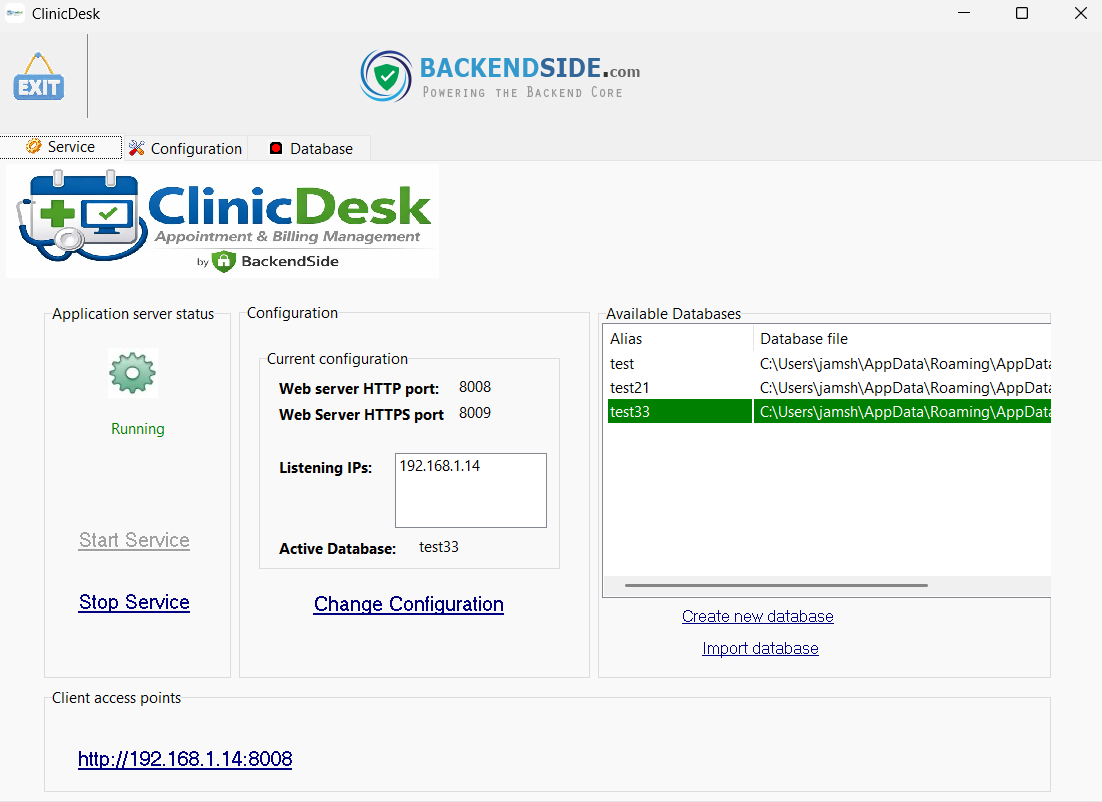
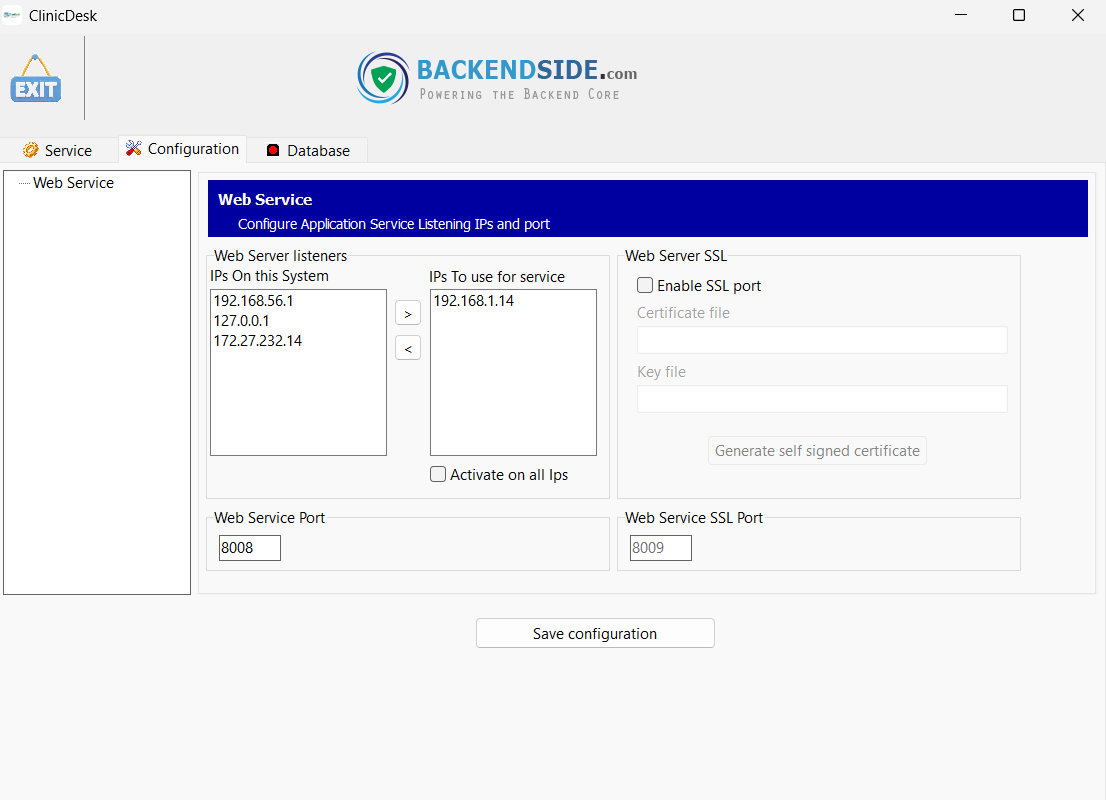
A complete clinic management system built on a client-server architecture. The server runs on Windows and hosts a built-in HTTP API and browser-based UI — doctors, secretaries, and admins connect from any device on the network through a standard web browser, with no software to install on the client side.

Features
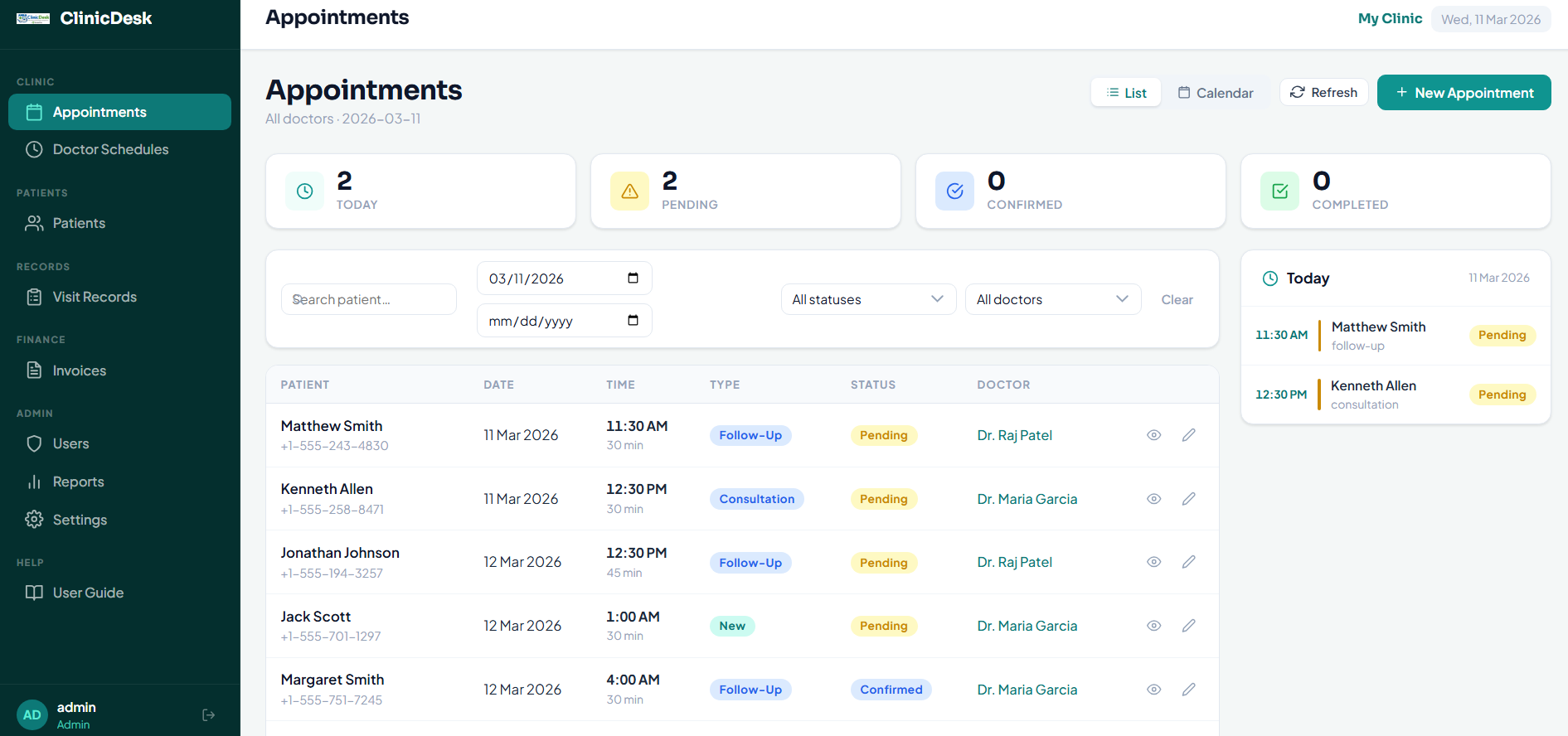
🗓️ Appointment Scheduling
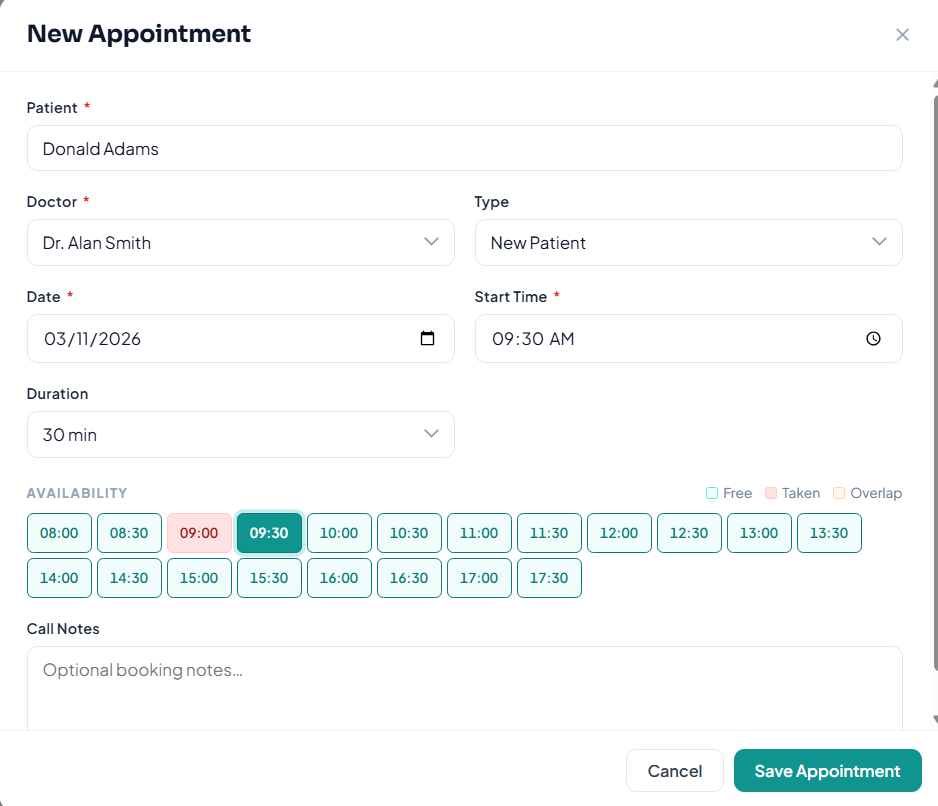
Book and manage patient appointments with full status tracking — pending, confirmed, completed, cancelled, or no-show. Each appointment records the assigned doctor, date, start time, duration, appointment type (new, follow-up, consultation, check-up, emergency), and call notes. Appointments can be cancelled or have their status updated at any time.
👤 Patient Records
Maintain a complete patient profile for every patient — including first and last name, date of birth, gender, phone, email, address, blood type, allergies, emergency contact name and phone, and free-text notes. Records are searchable and filterable, with full-name indexing for fast lookup across large patient lists.
🩺 Clinical Visit Records
Doctors record the outcome of each appointment directly from their browser — entering diagnosis, treatment, prescription, and additional notes. A follow-up interval in days can also be set. Visit records are linked to the appointment and patient, building a full clinical history over time.
📎 Document Attachments
Attach files — lab results, scans, referral letters, or any document — directly to an appointment or a specific clinical visit record. Each attachment stores the filename, file path, file type, description, and the user who uploaded it with a timestamp.
🧾 Invoicing & Payment Tracking
Generate invoices per appointment with subtotal, tax, total amount, due date, and balance due. Record payments against invoices with support for partial payments — each payment records the amount, date, payment method (cash, card, bank transfer, or other), and the staff member who recorded it. Invoice status automatically reflects unpaid, partial, or paid.
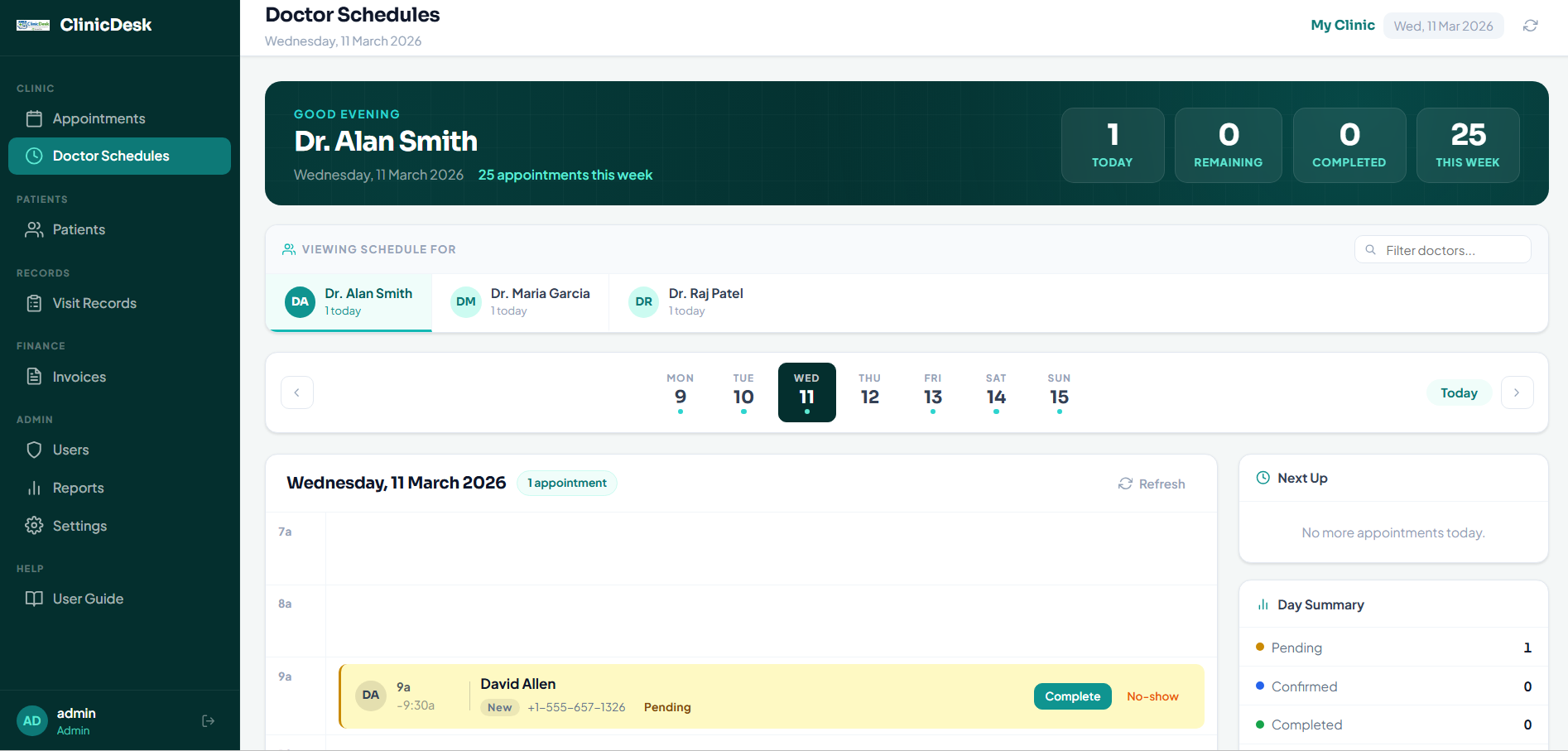
📅 Doctor Schedule View
Doctors have a dedicated schedule view showing their own upcoming and past appointments. This view is restricted to the doctor's own sessions — doctors cannot see other doctors' schedules. Appointment records can be opened and completed directly from the schedule.
🔗 Secretary-to-Doctor Assignment
Administrators assign secretaries to specific doctors — a secretary only manages appointments for their assigned doctors. Assignments are managed from a dedicated screen and take effect immediately across the system without requiring a restart.
🔐 Role-Based Access Control
Three built-in roles control exactly what each user can see and do. Admin has full access including user management. Secretary can manage appointments and patients for their assigned doctors. Doctor can view their own schedule and write clinical visit records. Every protected API endpoint and browser form enforces role checks server-side — a secretary cannot access the doctor's schedule form, and vice versa.
👥 User Management
Administrators create and manage user accounts — setting full name, username, role, and active status. A forced password-change flag can be set on any account. Last-login timestamps are recorded for every user. Passwords can be updated by admins or by the user themselves through a dedicated change-password endpoint.
📋 Reports
Built-in reporting covers appointments, patient lists, clinical records, invoices, and payment history — all filterable by date range, status, doctor, and patient. Reports are served as browser pages from the built-in web server, accessible from any device on the network without additional software.
🕵️ Full Audit Log
Every create, update, and delete operation across patients, appointments, clinical records, invoices, and payments is written to a tamper-evident audit log — recording the user who performed the action, the table and record affected, a description of the change, and a precise timestamp. Audit failures never crash the main operation.
🌐 Browser-Based Client — No Installation
The entire staff-facing UI is served as HTML from the Windows server — doctors and secretaries open their browser, navigate to the server's address, and log in. Nothing is installed on client devices. The login page, appointment forms, patient profiles, clinical record forms, invoice views, and schedule are all browser pages served directly by ClinicDesk.
🗃️ SQLite Database with WAL Mode
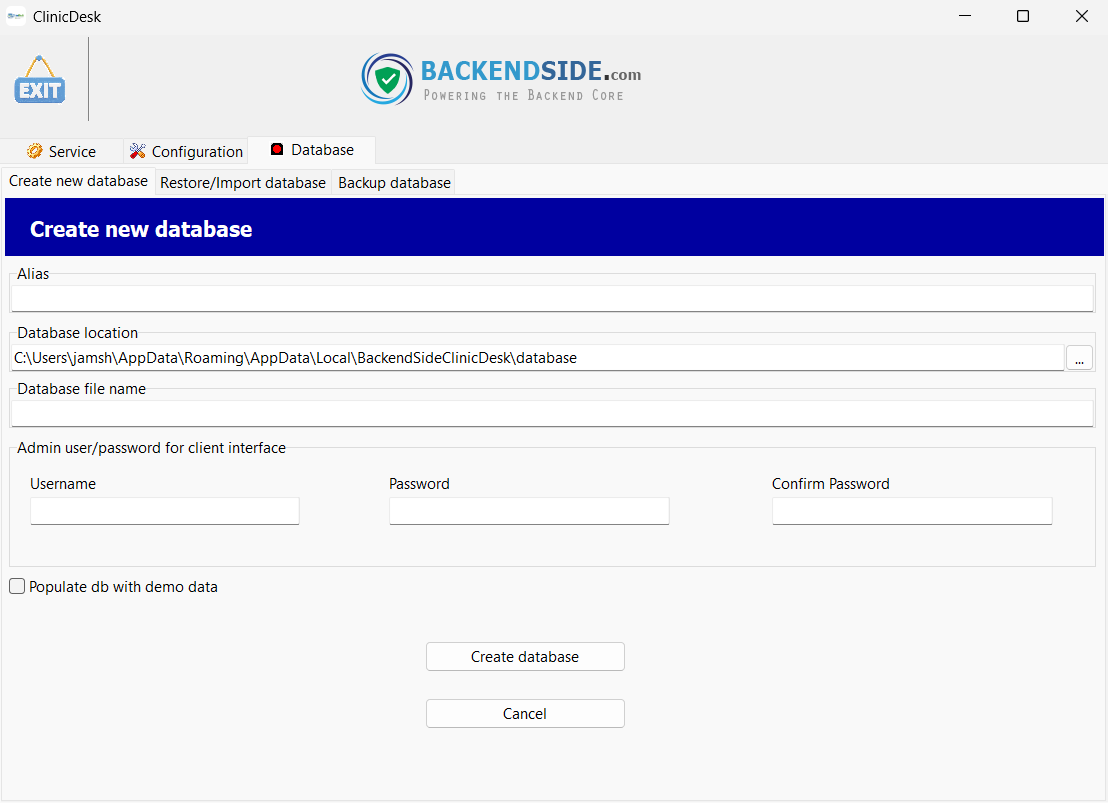
All clinic data is stored in a SQLite database via FireDAC with Write-Ahead Logging (WAL) journal mode and shared cache enabled — providing reliable concurrent multi-user read/write access without a separate database server. Foreign key constraints, auto-update triggers, and performance indexes are set up automatically on first run.
Screenshots
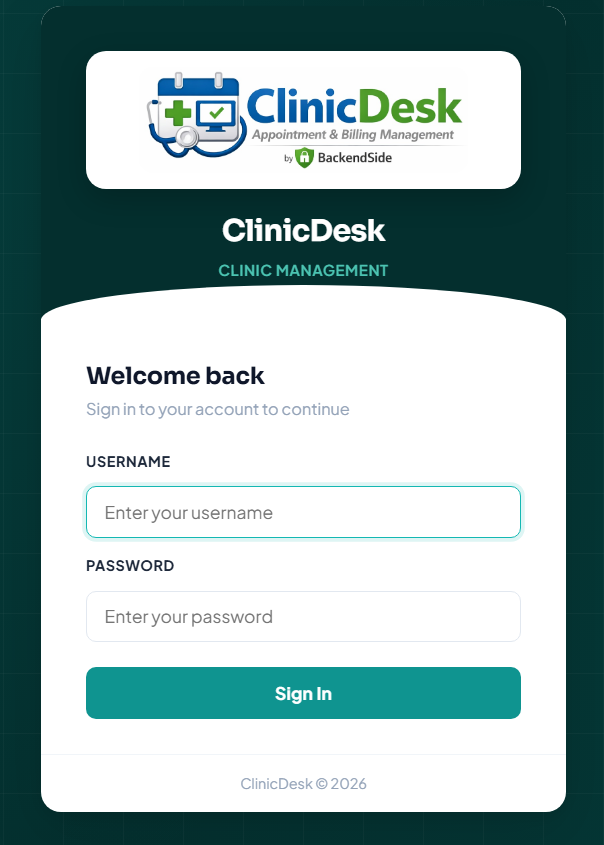
Browser-Based Login
Appointment Management
Patient Records & Profile
Clinical Visit Record — Diagnosis & Prescription
Doctor Schedule View
Invoicing & Payment Tracking
User Management & Role Assignment