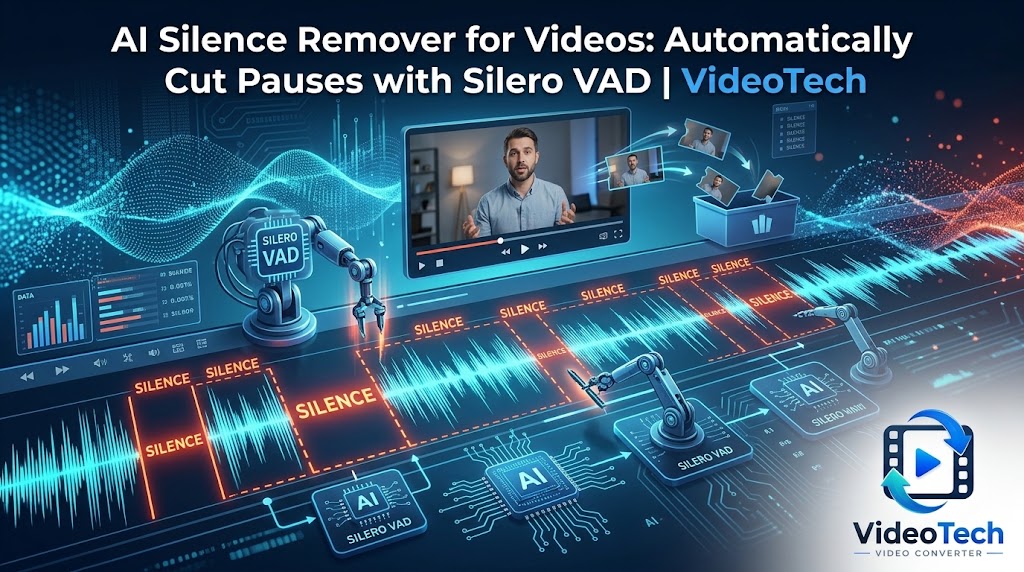
Long pauses can make a tutorial, presentation, voice recording, or talking-head video feel slower than necessary. Removing those gaps manually takes time, especially when a recording contains many pauses throughout its duration.
VideoTech Video Converter includes Silero VAD, a compact AI model that detects speech so the application can remove unwanted gaps automatically during video conversion. Instead of relying only on a fixed volume threshold, it analyzes the audio to identify where speech is happening.
What Is Silero VAD?
VAD stands for Voice Activity Detection. Silero VAD is a speech-detection model that helps distinguish speech from periods without speech.
This makes it useful for recordings such as:
- Tutorials and software demonstrations
- Talking-head videos and presentations
- Voice recordings with long pauses
- Training videos and recorded explanations
- Other speech-focused videos where unnecessary gaps can be shortened
Silero VAD is approximately 2 MB, making it a compact addition to VideoTech’s collection of local AI tools.
Why Speech Detection Is Better Than a Simple Volume Threshold
A basic silence-removal tool may cut audio whenever the volume drops below a specified level. That sounds straightforward, but quiet speech can be mistaken for silence, while background noise can make an otherwise silent section appear active.
Silero VAD uses a trained speech-detection model to identify likely speech activity rather than treating every quiet or loud segment the same way.
This approach can make speech-based editing more practical, although no detector is perfect. Quiet voices, unusual recordings, background sounds, and overlapping audio can still affect the result.
Choose How Aggressively to Remove Pauses
Different videos need different amounts of silence removal. A detailed tutorial may benefit from retaining natural pauses, while a long voice recording may need more aggressive shortening.
VideoTech offers three Silero VAD strength settings:
- Light: A more conservative choice when you want to retain more of the original pauses.
- Medium: A balanced starting point for many speech recordings.
- Aggressive: A stronger option when your goal is to shorten gaps more noticeably.
VideoTech also leaves padding around detected speech so cuts are less likely to remove the first or last words of a phrase. You should still review the output, particularly when working with important dialogue or fast speech.
Remove Silence During a Single Conversion Pass
Silence removal does not have to mean exporting dozens of separate clips and joining them again. VideoTech performs the cuts within its conversion workflow.
The application identifies sections to retain, removes unwanted gaps, and rewrites the output timeline during processing. This avoids the need to create and manage a collection of temporary video fragments just to shorten pauses.
The result is a single output file rather than a folder of separate speech segments. VideoTech also handles the timing changes required when the original video becomes shorter.
Generate Subtitles After Removing Silence
Silence removal can be particularly useful when combined with automatic subtitles. VideoTech includes Whisper for speech transcription and subtitle generation, allowing you to enable both features in the same conversion workflow.
When silence removal and Whisper subtitles are both enabled, transcription is performed on the original audio, and the generated captions are remapped to match the shortened video timeline.
This matters because removing pauses changes when later sentences appear. Without appropriate timing adjustments, subtitles can drift out of sync with the spoken words.
How to Remove Silence from a Video
- Open VideoTech: Launch VideoTech Video Converter on Windows.
- Add your video: Select the source file you want to process.
- Enable silence removal: Turn on the Silero VAD feature.
- Select the strength: Choose Light, Medium, or Aggressive according to how much you want to shorten pauses.
- Convert the file: VideoTech detects speech and removes unwanted gaps as part of the conversion process.
- Review the result: Watch the output and check that the cuts preserve the intended flow of speech.
The Silero VAD model is downloaded when you first choose to use the feature. Afterward, it is available for further conversions without downloading the model again. Model downloads are verified, and VideoTech can operate offline once the required models are available.
Does Silence Removal Work for Every Video?
Silence removal is most useful when speech is the main focus and long gaps are not essential to the content. It may be less suitable for cinematic footage, music videos, dramatic pauses, ambient recordings, or scenes where quiet moments are part of the experience.
Speech detection can also make mistakes. A quiet word might be classified incorrectly, or a background sound might be interpreted as activity. The strength setting helps you control the balance, but it cannot guarantee perfect cuts for every recording.
For best results, start with Light or Medium, inspect a short test output, and adjust the setting if necessary. Keep the original file until you are satisfied with the converted version.
More Than a Silence-Removal Tool
VideoTech is a Windows media converter with several optional AI features built into the same application. You can use Silero VAD alongside Whisper subtitle generation and DeepFilterNet 3 speech enhancement, or choose face blurring and AI upscaling for suitable videos.
All five AI features are included in the purchase price, with no separate AI subscription. Models are downloaded on demand, so you only need to obtain the models for features you intend to use.
VideoTech Video Converter — AI Tools for Windows
Automatically remove speech gaps with Silero VAD, generate subtitles, reduce background noise, blur faces, upscale suitable low-resolution videos, and convert media files locally on your PC. All five AI features are included in the purchase price.
Final Thoughts
Removing unnecessary pauses can make speech-focused videos more concise without requiring manual editing of every gap. Silero VAD gives VideoTech users an AI-based way to detect speech and shorten recordings as part of a normal conversion workflow.
Its small model size, adjustable detection strength, and subtitle timeline handling make it a useful option for people who regularly work with tutorials, presentations, and voice recordings on Windows.
Learn more about VideoTech Video Converter or visit the VideoTech changelog for product updates.
Leave a Reply