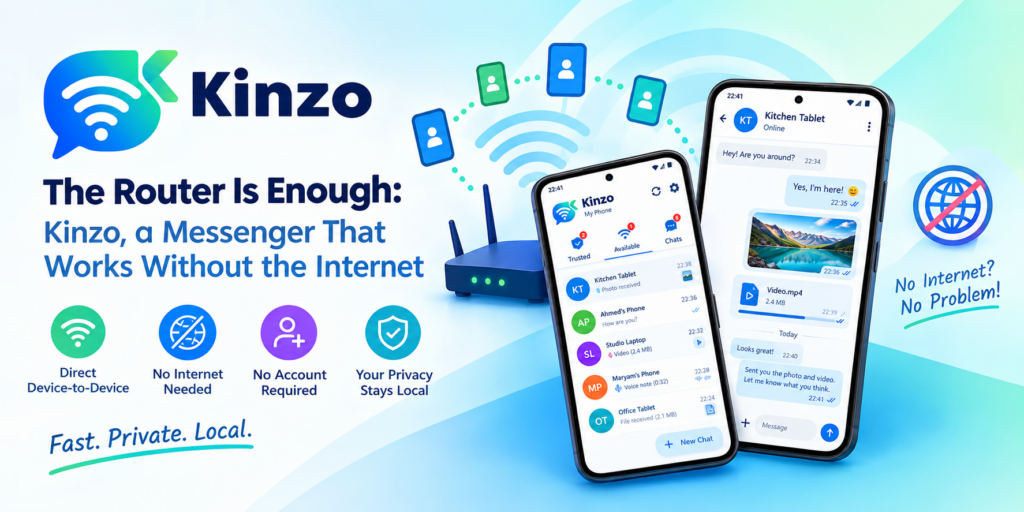
The internet goes down, and everyone in the house reaches for a phone to tell everyone else. Nothing sends. The odd part is that the Wi-Fi icon is still lit: every phone, tablet and laptop in the building is still connected to the router, and through it to each other. The network never went anywhere. Only the road out of it did.
“Wi-Fi” and “the internet” get used as if they were the same thing, and they are not. Your router does two jobs. It joins your own devices into a local network, and it connects that network to the outside world. The first job keeps working when the second fails — and in plenty of places, the second was never there to begin with.
Kinzo is a messenger for Android that only needs the first job. Devices on the same network find each other and talk directly, with no server, no account and no internet. Here is where that turns out to be useful.
1. The outage at home
The fibre is cut, the provider is having a bad afternoon, or the bill went unpaid by a day. The router is still on, so every device in the house can still reach every other one. With Kinzo on the family’s phones, “dinner is ready”, “bring the charger down” and the photo of the error light on the modem all still get through — upstairs to downstairs, house to garden.
It is a small thing until the day you need it, and then it is the only thing that works.
2. Workshops, warehouses, basements and boats
Some places have thick walls, metal shelving, a floor below ground, or water on every side. A mobile signal does not get in. But a single router — plugged into nothing but power — gives every device in range a network of its own. No internet is needed on the other side of it.
- The storeroom photographs a part and sends it to the counter: is this the one?
- The workshop floor sends a voice note to the office instead of walking across the yard.
- A crew below deck stays in touch with the one above.
Photos, videos and voice notes are exactly what these jobs want, and they are faster over a local network than they would ever be through a distant server and back.
3. Classrooms and training rooms
A teacher wants to pass a photo of the whiteboard, a recorded pronunciation or a short video to a room of devices. Doing that through ordinary messengers means collecting everyone’s phone number, or getting every student to create an account somewhere.
Kinzo needs neither. There is no account, no sign-up, no phone number and no email, so there is nothing to collect. Devices on the room’s Wi-Fi see each other, pair with a tap — or by scanning a QR code held up at the front — and that is the whole setup.
Kinzo — Wi-Fi / LAN Messenger for Android
Kinzo is a messenger that works without the internet. Devices on the same Wi-Fi find each other and chat directly — text with sent and delivered receipts, photos, videos, audio files and voice notes, with an offline queue that delivers when a device comes back. Pair by tapping or by QR code; every connection is encrypted device to device. No account, no server, no ads. Free on Google Play.
4. Offices that would rather keep things in the building
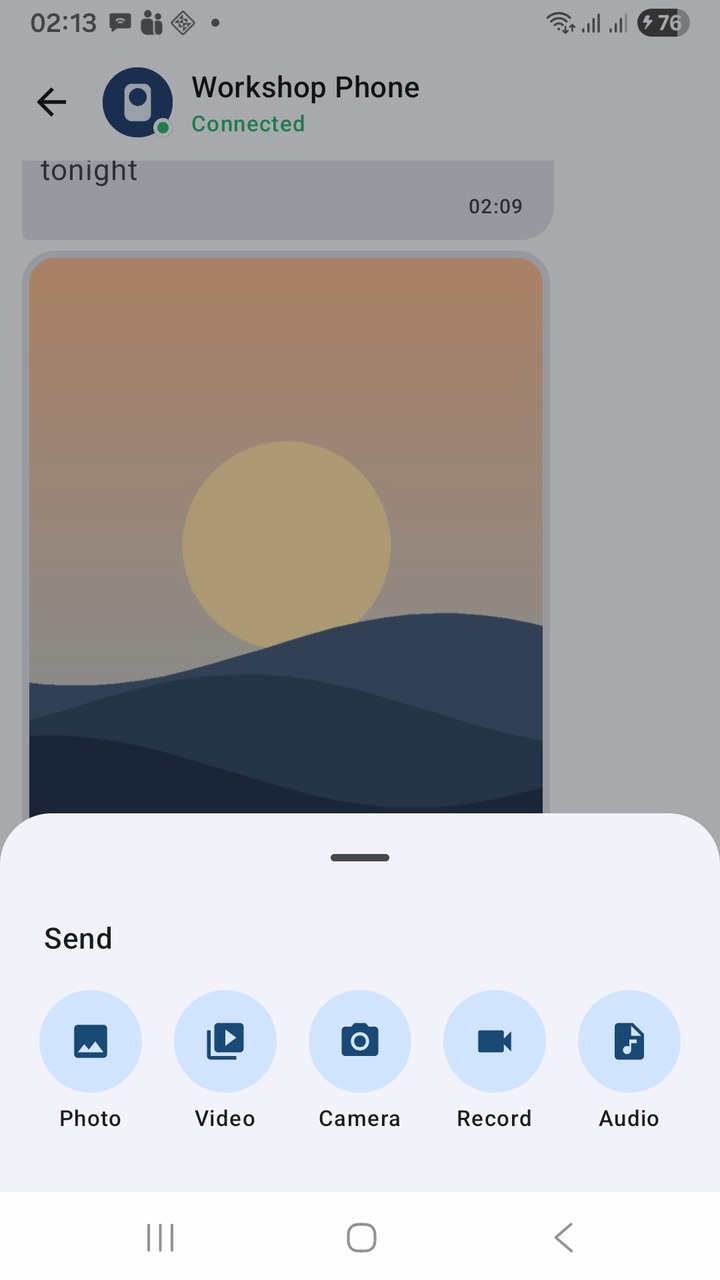
A photo of a signed delivery note. A picture of a customer’s ID for the file. A video of a fault on the production line. None of these needs to visit another country’s data centre on its way from one desk to the next — and for some businesses, it is better that they do not.
With Kinzo the file goes from one device to the other and nowhere else. The connection is encrypted device to device, and each device’s key is remembered at pairing, so on a network shared with visitors and other departments, only the devices you paired with can take part in the conversation.
5. Slow, metered or expensive connections
Sending a 200 MB video to the person next to you through an internet messenger uploads it once and downloads it once — 400 MB of somebody’s data allowance, at the speed of the slowest link. On a satellite connection, a capped mobile plan or hotel Wi-Fi billed by the megabyte, that is real money and real waiting.
Kinzo never uses mobile data for messaging, and nothing goes out to the internet at all. The video crosses the room at local-network speed and costs nothing.
6. The devices around your own house
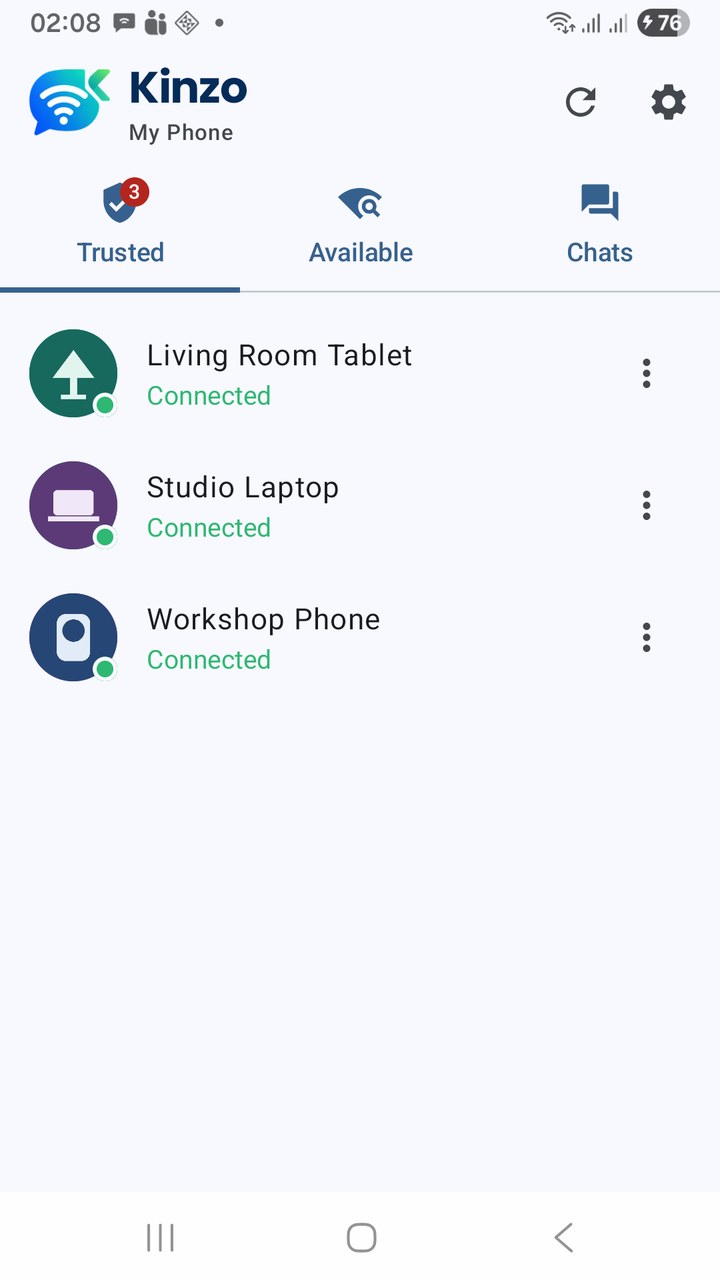
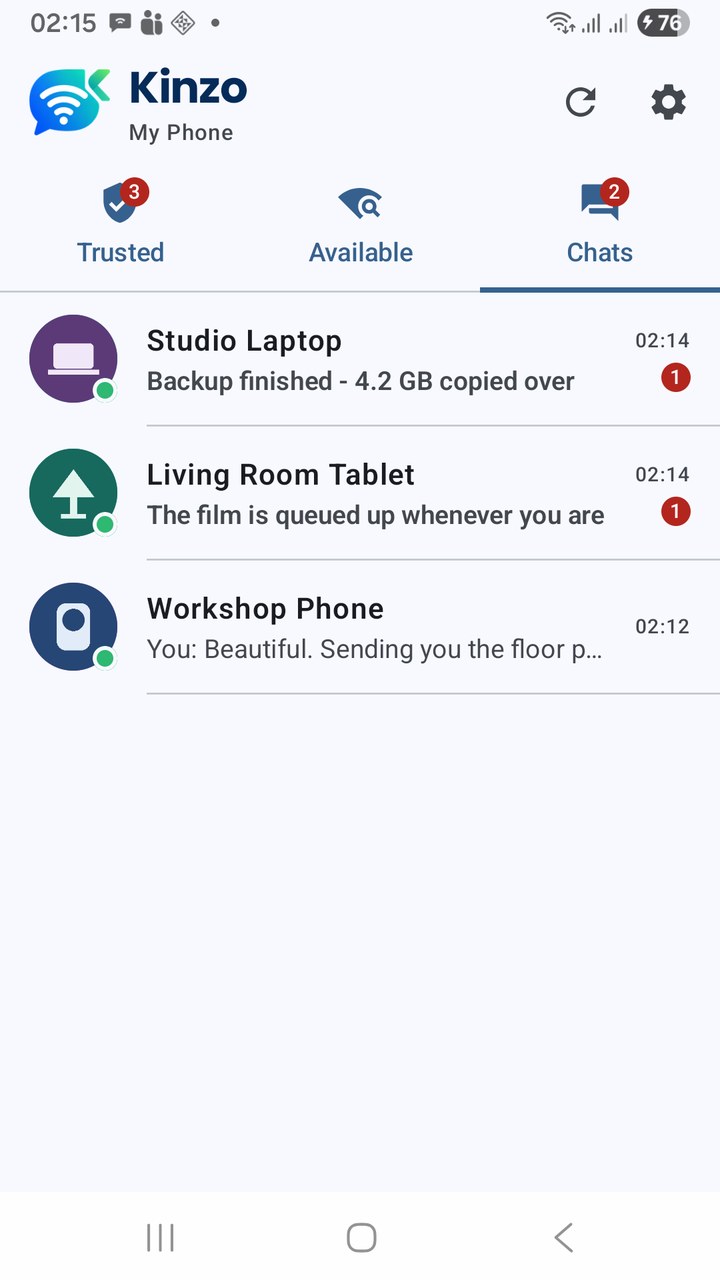
Not every conversation is with another person. An old phone that lives in the kitchen, a tablet in the living room, the handset in the workshop — pair them once and they become a private intercom for the household. Send the shopping list photo from the kitchen tablet to your phone. Leave a voice note on the workshop phone. Move a picture from one device to another without emailing it to yourself.
You can give each paired device your own name for it — “Kitchen Tablet” is more use than a model number — and that name stays on your phone.
At a glance
| Situation | What you need | What Kinzo gives you |
|---|---|---|
| Internet outage at home | The router still switched on | Text, photos and voice notes around the house |
| No signal — workshop, basement, boat | Any router with power, no internet required | A working messenger where phones have no bars |
| Classroom or training room | The room’s Wi-Fi | Sharing with no accounts or phone numbers to collect |
| Office | The office network | Files that go desk to desk and nowhere else, encrypted |
| Metered or slow connection | Both devices on the same Wi-Fi | Large videos sent locally, using no data allowance |
| Household devices | Your home Wi-Fi | A private intercom between your own phones and tablets |
Where it is the wrong tool
Kinzo is a messenger for the people and devices around you. It is not for the friend in another city, and it does not try to be. Both devices have to be on the same network, and a few kinds of network keep devices apart even then:
- Guest networks and routers with client isolation — common in hotels and cafés — deliberately stop devices talking to each other.
- Wi-Fi extenders running as their own router put the devices behind them on a separate network.
Kinzo tells you which network each phone is on when two cannot find each other, and offers a network scan, QR pairing and Connect by IP for routers that merely get in the way. Where a network blocks devices outright, one phone’s own hotspot gives the two a network of their own. The troubleshooting section of the user guide walks through each case.
Getting set up takes a minute
- Install Kinzo from Google Play on each device. It is free and has no ads.
- Put the devices on the same Wi-Fi and open the Available tab.
- Tap Pair, check the six-digit code matches on both screens, and tap Accept on the other device.
- Start typing. From then on the devices reconnect by themselves whenever they share a network, and anything sent while one is away is delivered when it comes back.
Key takeaways
- Wi-Fi is not the internet. Your local network keeps working when the connection to the outside world does not.
- Kinzo needs only the local network: no internet, no server, no account.
- It earns its place in outages, in places with no signal, in classrooms and offices, on metered connections, and between your own devices at home.
- Text, photos, videos, audio and voice notes, encrypted device to device, with messages queued for devices that are away.
- It is for the devices around you — same network only.
The next time the internet drops and the Wi-Fi icon stays lit, you will know what it is still good for.
Kinzo — Wi-Fi / LAN Messenger for Android
Kinzo is a messenger that works without the internet. Devices on the same Wi-Fi find each other and chat directly — text with sent and delivered receipts, photos, videos, audio files and voice notes, with an offline queue that delivers when a device comes back. Pair by tapping or by QR code; every connection is encrypted device to device. No account, no server, no ads. Free on Google Play.
Leave a Reply