

Centra – SSH Terminal & SFTP for Android
Terminal • SFTP • Jump hosts • Server monitor
Centra is a fast, secure SSH client for Android. Open a real xterm terminal on your Linux servers, move files with the SFTP file manager, reach private machines through jump hosts just like ssh -J, and keep an eye on CPU, memory, disk and processes with the live server monitor — all from your phone. Every server’s host key is verified, saved passwords and keys are encrypted on the device and never leave it, and there are no ads, no tracking and no accounts: Centra connects only to the servers you add.
Download Version 1.1.0
Free on Google Play for one server — terminal, file manager, monitor and keys included. No ads, no account, no sign-up.

Built for developers, sysadmins, DevOps engineers and anyone who runs a VPS, a Raspberry Pi or a home server.
Free for one server — Pro is prepaid, nothing renews
The free version is the whole SSH client for one server: the terminal, the SFTP file manager, the server monitor and SSH keys are all included. Centra Pro adds unlimited servers, jump hosts and quick connect to any host. Pro is prepaid, monthly or yearly — you pay once for the time you choose and nothing renews automatically. Want more time? Add it whenever you like; it is restored from your Google account on a new phone.
Changelog — what’s new in each release
Release history from the first build — the terminal, host key verification, SSH keys, the SFTP file manager and the server monitor — to the first public release on Google Play with jump hosts and clearer connection errors.
View the full changelogFeatures
🖥️ A Real Terminal
A full xterm-256color terminal with true colour, so htop, vim, nano and less work the way they do on a desktop. 5,000 lines of scrollback, pinch to zoom, long-press to select and copy, one-tap paste, and support for hardware keyboards.
⌨️ Extra Keys Row
The keys a phone keyboard leaves out, one tap away: Esc, Tab, Ctrl, Alt, the arrows, Home/End, PgUp/PgDn, the F-keys and the symbols you reach for most at a shell prompt.
🗂️ Tabs and Background Sessions
Keep several sessions open at once and switch between them with tabs. Sessions stay connected in the background while you answer a message or check a page, with a notification that can disconnect them all in one tap.
🚪 Jump Hosts
Reach servers on a private network through a bastion, just like ssh -J (ProxyJump). Pick any saved server as the jump host — chains of several jump hosts work too — and every server keeps its own login, key and host key check. The terminal, file manager and monitor all work through the jump, and each server card shows the route it takes (“via bastion”). Pro.
📁 SFTP File Manager
Browse remote folders with permissions, sizes and dates and breadcrumb navigation. Upload from and download to your phone with progress, create folders, rename and delete — folders included — and show or hide dotfiles. It runs over the same SSH connection as the terminal.
📊 Live Server Monitor
Connect to a Linux host and see CPU, memory, swap and disk usage live, with uptime, load average, OS and kernel and the top processes at a glance — no agent to install on the server.
🔑 SSH Keys, Built In
Generate Ed25519, ECDSA or RSA keys, with an optional passphrase, or import existing keys in OpenSSH, PEM or PuTTY format. Install your public key on a server with one tap, or copy and share it from the key’s card.
🛡️ Host Key Verification
Every server’s key is checked on every connection. A new server shows its SHA-256 fingerprint and the familiar OpenSSH visual randomart before you trust it, and a server whose key has changed gets a clear warning — a sign of a possible man-in-the-middle attack — and is refused unless you choose to trust the new key. Trusted keys are listed under Known hosts, where you can forget one.
🔒 Encrypted on Your Phone
Saved passwords and private keys are encrypted with a hardware-backed key from Android Keystore and never leave your phone. Turn on the optional app lock to unlock with your fingerprint, face, pattern, PIN or password before a server opens.
👤 Every Way to Log In
Password, keyboard-interactive (including two-factor prompts) and public key login, with a passphrase prompt for encrypted keys. Save a password on the device, or leave it off to be asked each time.
🏷️ Made to Feel at Home
Give servers labels, colours and tags, run a command automatically after login, set a keep-alive interval, and pick a light or dark theme — or follow your phone’s setting.
⚡ Quick Connect
Type user@host:port in the search box and go — connect to any host without saving it first. The same box searches the servers you have saved. Pro.
Screenshots
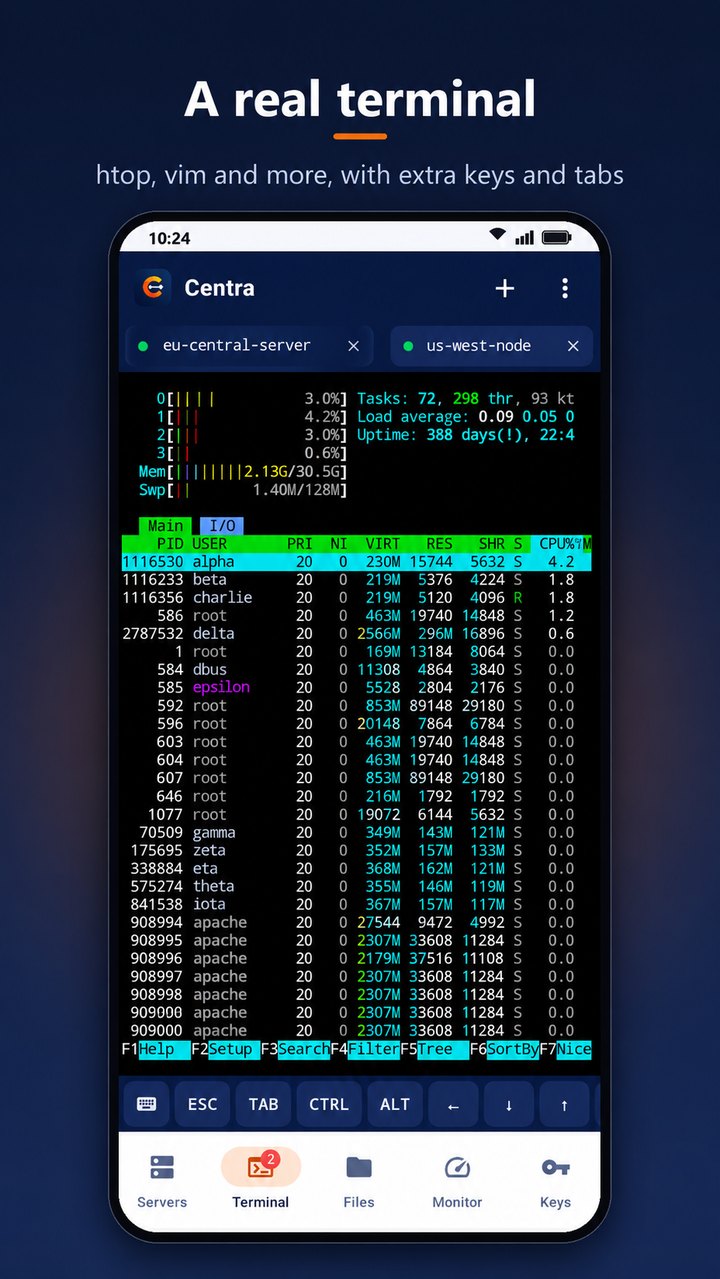
A real terminal — htop, vim and more, with extra keys and tabs
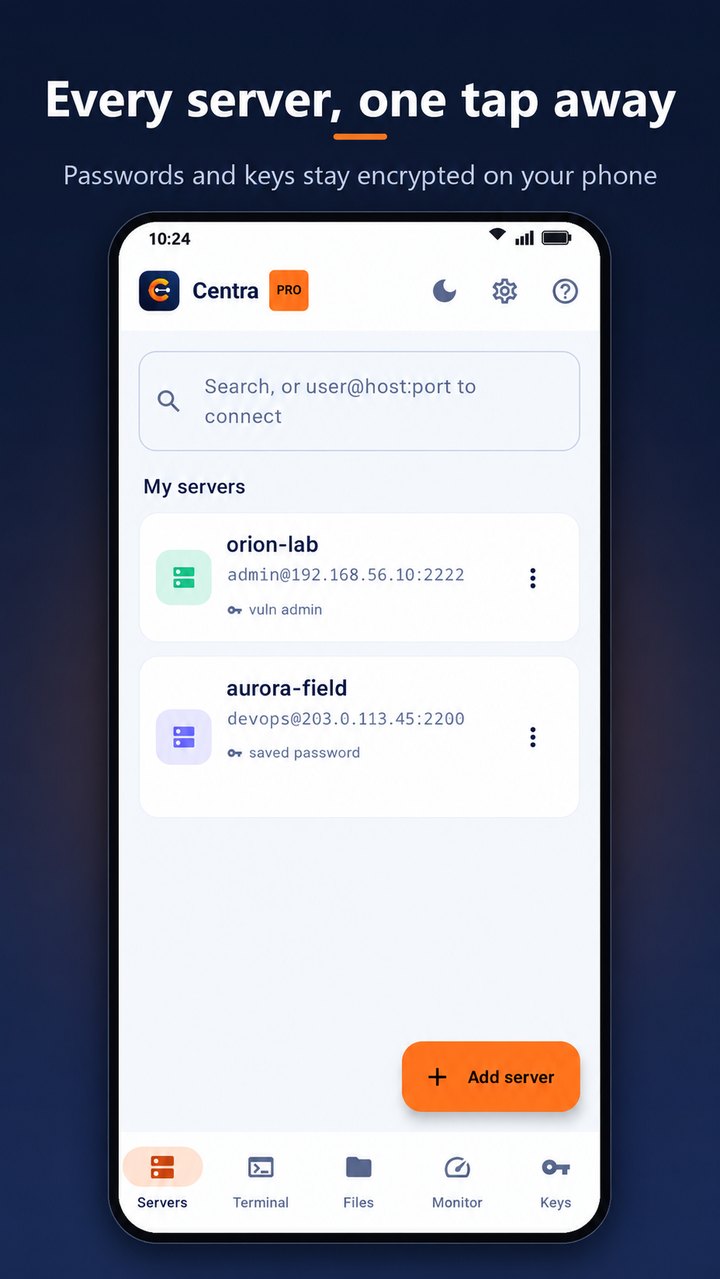
Every server one tap away — passwords and keys stay encrypted on your phone
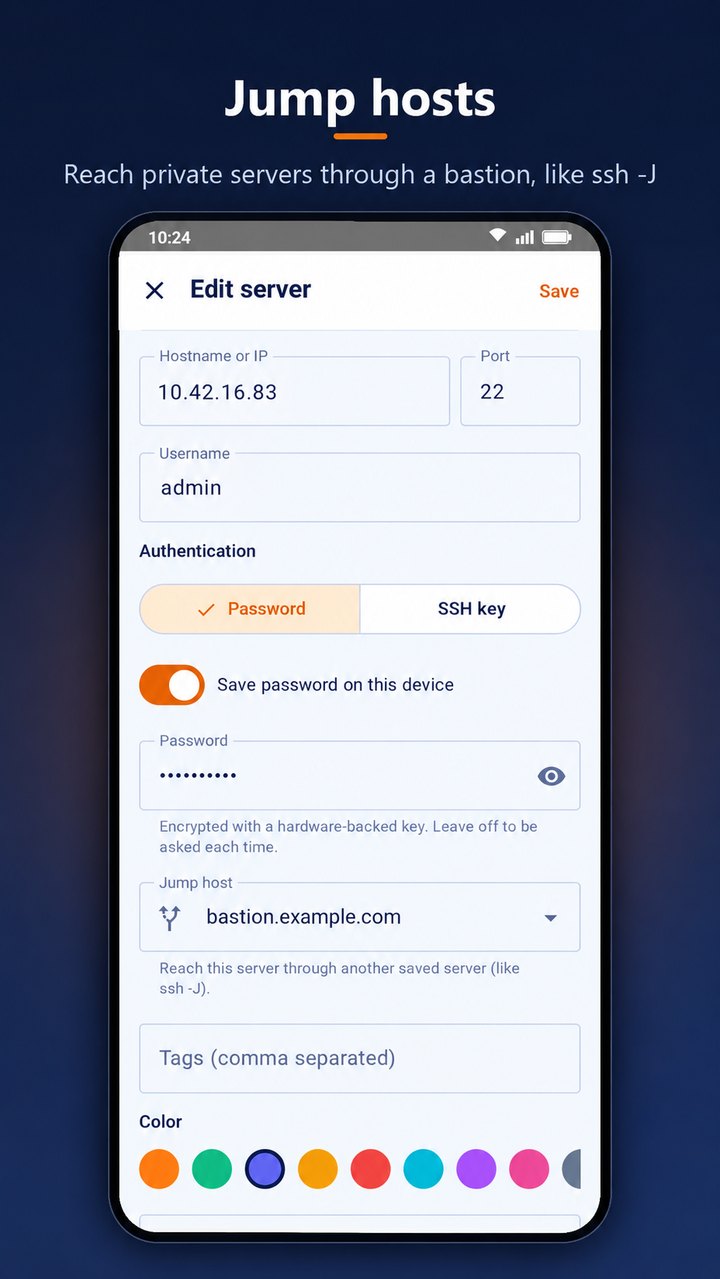
Jump hosts — reach private servers through a bastion, like ssh -J
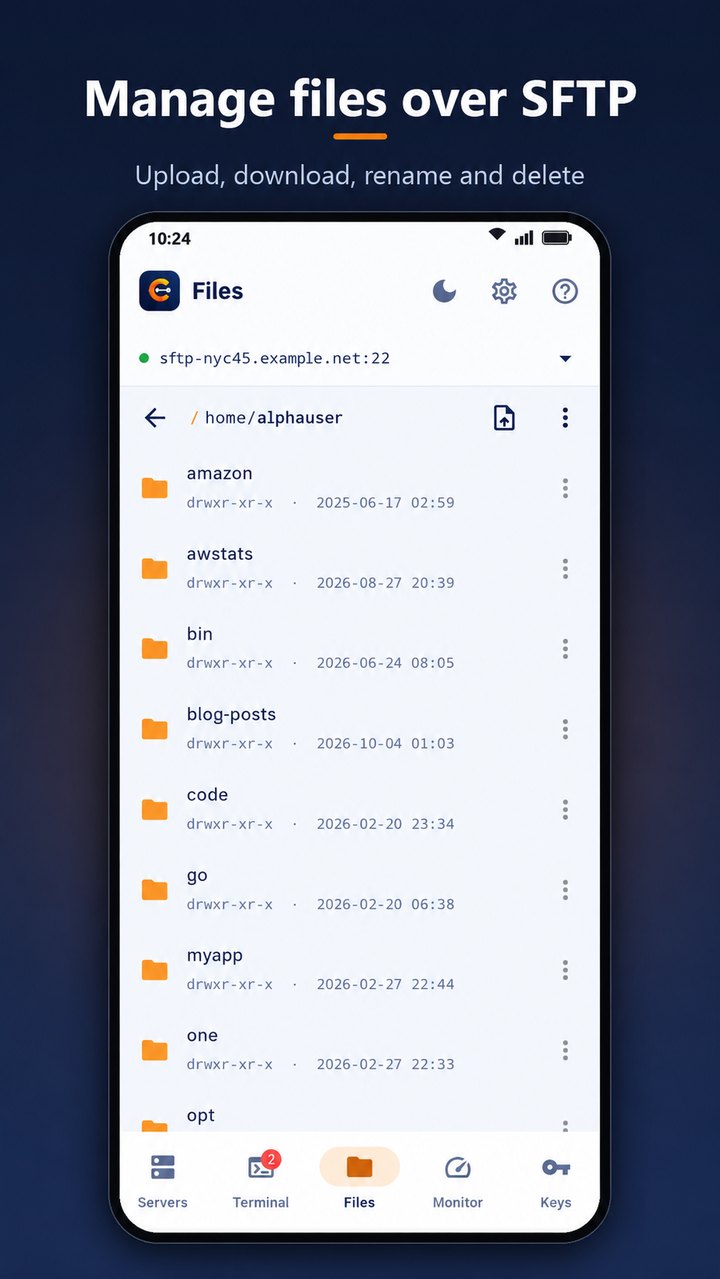
Manage files over SFTP — upload, download, rename and delete
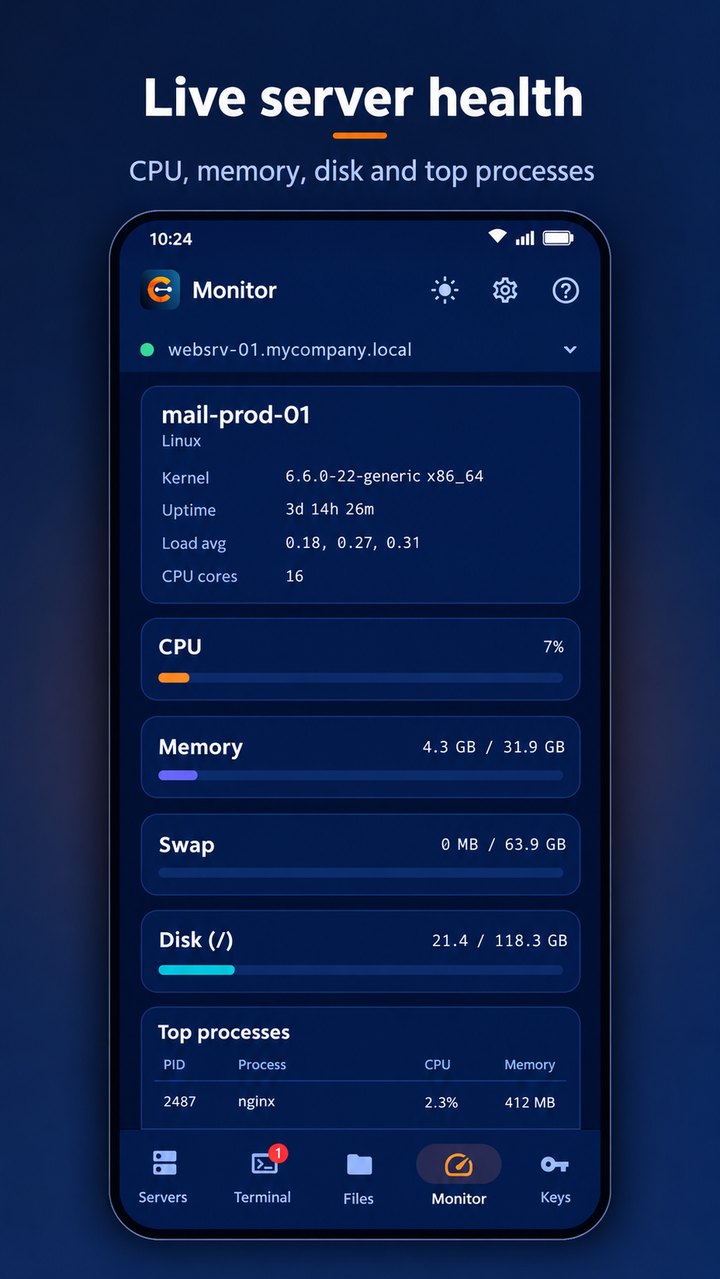
Live server health — CPU, memory, disk and top processes
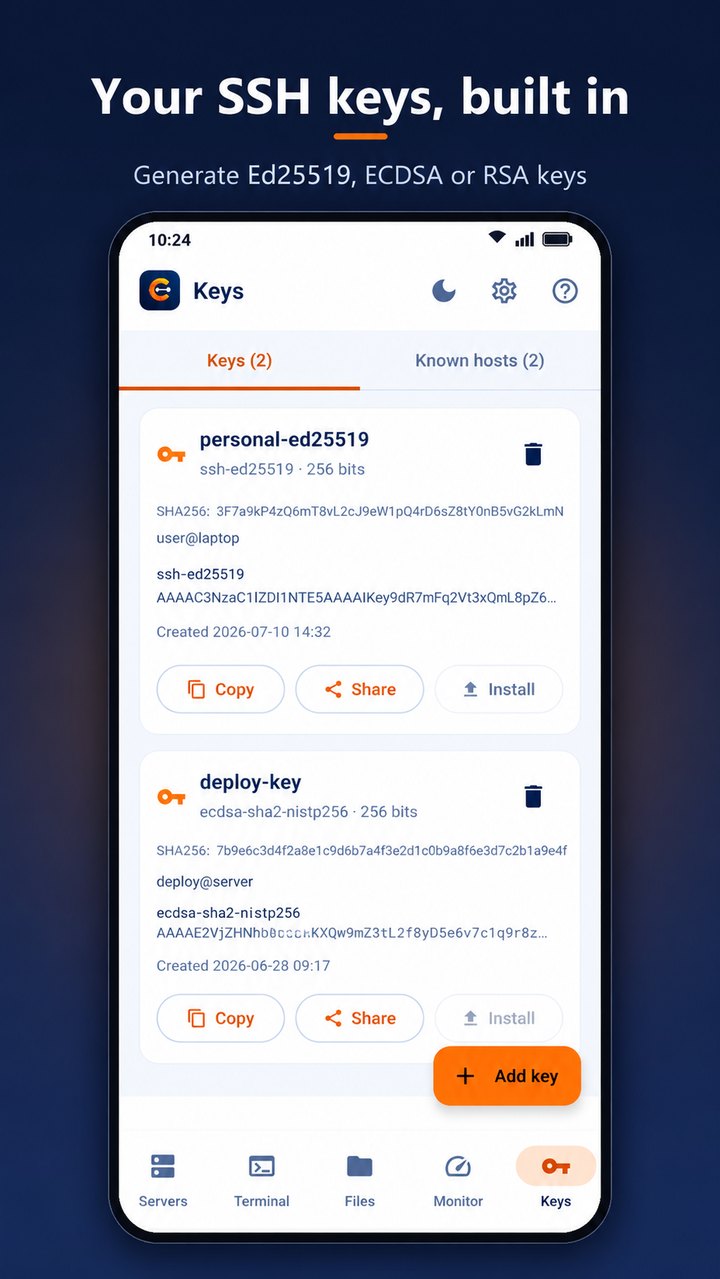
Your SSH keys, built in — generate Ed25519, ECDSA or RSA keys
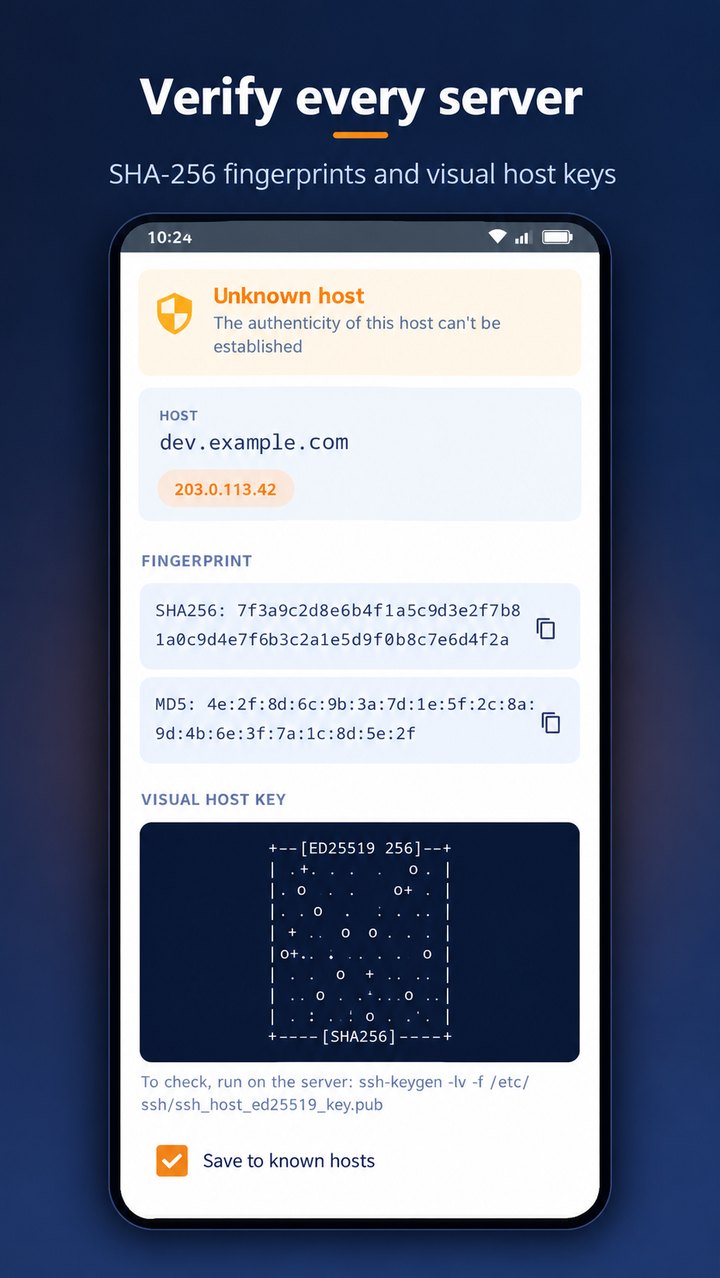
Verify every server — SHA-256 fingerprints and visual host keys
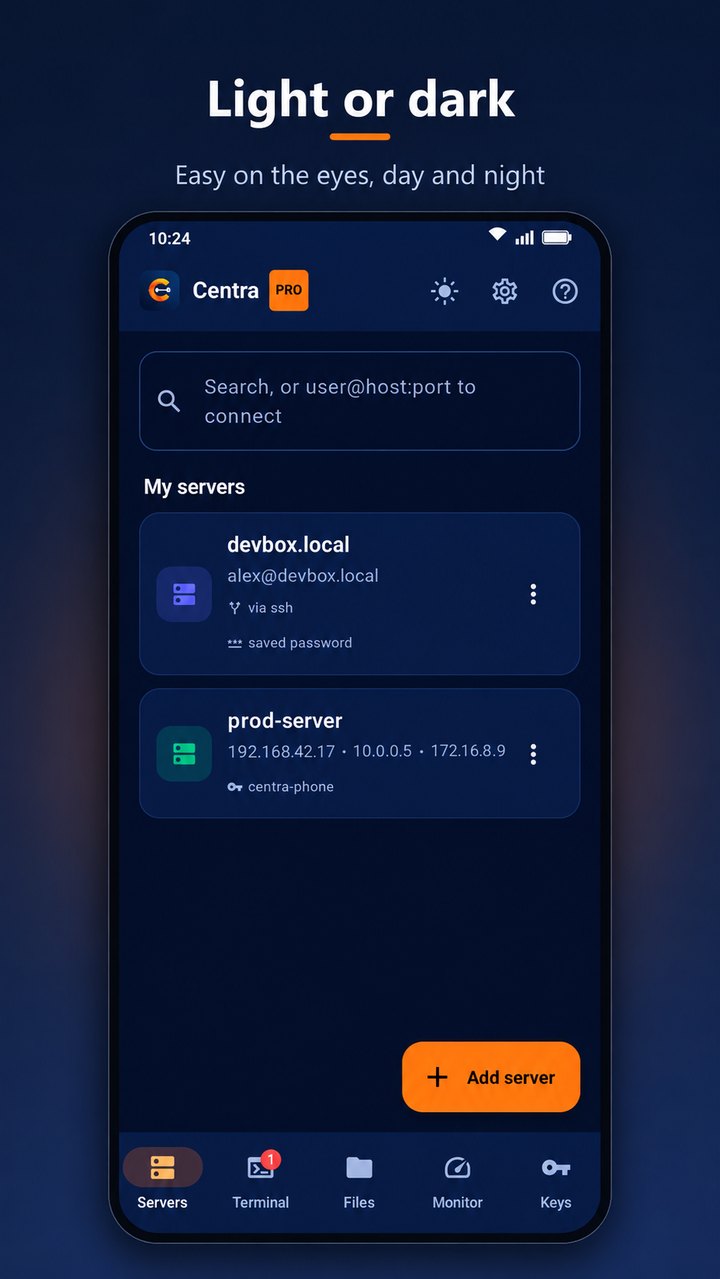
Light or dark — easy on the eyes, day and night
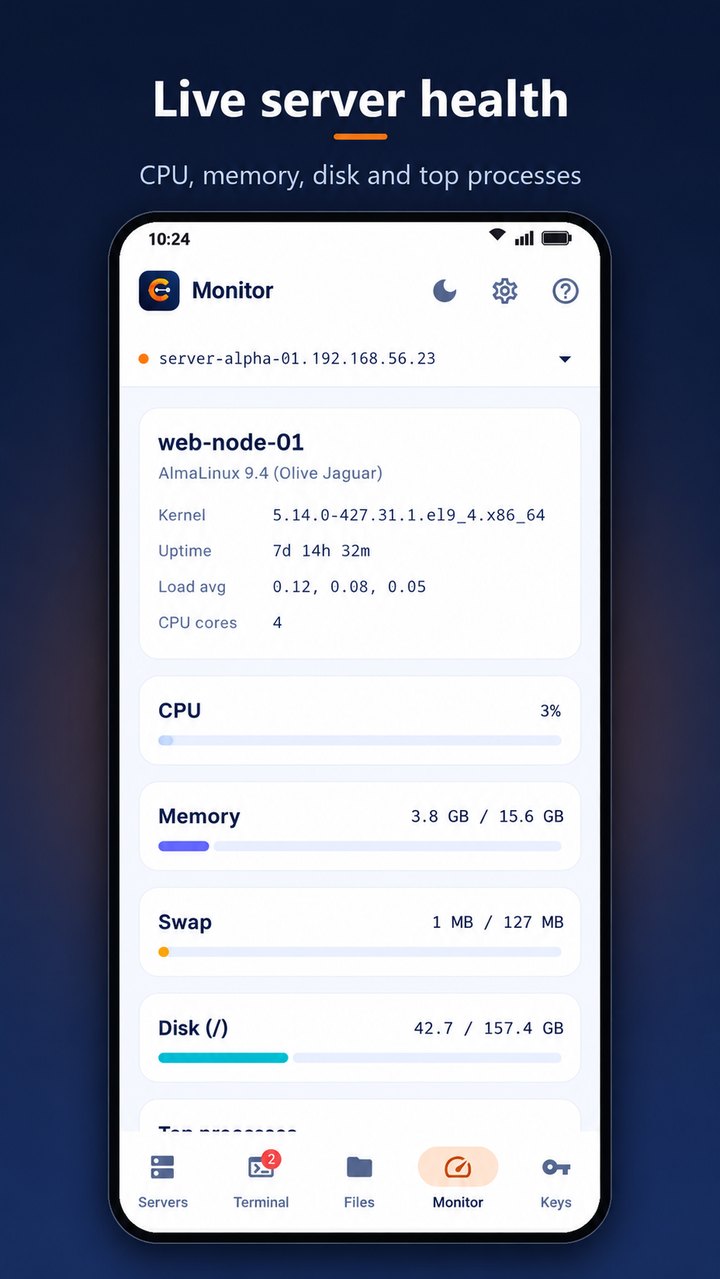
The server monitor in the light theme
Latest Release
Version 1.1.0 — October 2026
Centra’s first public release on Google Play. New in this release: jump hosts — reach a server through another saved server, like ssh -J, chains included, with each server keeping its own login and host key check — and server cards that show which jump host a server goes through. Errors are clearer too: a failure names the jump host involved, and Centra explains when a server closes the connection before login or a jump host cannot forward to the target. Key cards fit Copy, Share and Install on one line on narrow phones, and deleting a server that others jump through makes them connect directly. It ships with everything from the first builds: the terminal, host key verification, SSH keys, SFTP, the server monitor, encrypted storage and the app lock.