
Remotica – Remote Desktop (RDP) Client for Android
Windows desktop on your phone • Touch & touchpad • File transfer • Shared clipboard
Remotica is a fast, secure remote desktop (RDP) client for Android. Save your Windows PCs and servers as cards, tap one, and its desktop opens on your phone: run programs, manage the server and move files, wherever you are. Click with direct touch or a touchpad pointer, type with Ctrl, Alt, Win and F1–F12 one tap away, use your phone as a drive in Windows to send files both ways, and copy and paste between them. Certificates are checked, saved passwords are encrypted with a hardware-backed key and never leave your phone, and there are no ads, no tracking and no accounts.
Version 0.2.0 — under review
Remotica is under review on Google Play. The download link will appear here as soon as it is published. It will be free for one server, with every feature included — no ads, no account, no sign-up.
Google Play — under reviewBuilt for sysadmins, IT support, developers and anyone who manages a Windows server, VPS or office PC.
Free for one server — every feature included
The free version is the whole remote desktop client for one saved server: touch and touchpad input, the full key row, the Remotica drive, the shared clipboard and the app lock are all included. Remotica Pro adds unlimited servers. Pro is prepaid, monthly or yearly — you pay once for the time you choose and nothing renews automatically.
Changelog — what’s new in each release
Release notes from the first build — typing that arrives exactly as typed, double tap, the Remotica drive, sessions that stay connected in the background and a fresh blue look.
View the full changelogFeatures
🖥️ Your Windows Desktop on Your Phone
The full Windows desktop over RDP, secured with NLA and TLS. Remotica fits your screen in landscape, or you choose 1280×720, 1600×900 or 1920×1080. Pinch to zoom, and drag with two fingers to scroll or pan.
👆 Direct Touch or Touchpad
In direct touch you tap exactly where you want to click; double tap opens files and folders. Switch to touchpad mode to slide an on-screen pointer and tap to click. Long press or two-finger tap right-clicks, and dragging selects text or moves windows.
⌨️ Every Key You Need
The on-screen keyboard types correctly whatever the server’s keyboard layout. A key row adds Esc, Tab, latching Ctrl, Alt and Win, arrows, Del, Home, End and F1–F12, and Ctrl+Alt+Del is one tap on the toolbar. Bluetooth and USB keyboards work right away.
📂 Your Phone Is a Drive in Windows
Your phone appears in Windows as “Remotica on your phone” in This PC. Upload photos, documents or any file from your phone into it, or copy files to that drive in Windows, then save or share them on your phone — no cables, no cloud.
📋 Shared Clipboard
Copy text on Windows and paste it on your phone, and the other way round. Text you copied on the phone is sent to Windows whenever you return to the session.
🔄 Stays Connected
Switch to another app, pick a file to upload or check a message: the session stays connected, with a “Connected to” notification and a Disconnect button. Back offers to disconnect or keep the session running behind the server list, and Remotica reconnects after a drop.
🛡️ Certificates Checked
Every server certificate is checked, with a clear warning if one changes. Choose Trust always or Just this time, and if no password is saved — or Windows rejects it — Remotica asks you to sign in.
🔒 Private by Design
Saved passwords are encrypted with AES-256 under a hardware-backed key in the Android Keystore, are never backed up and never leave your phone — or leave the password out and be asked each time. An optional fingerprint, face, pattern, PIN or password prompt protects every server.
🗂️ Server Cards
Each PC or server is a card with its address, port, username, domain, saved password, screen size and colour. Add, edit, duplicate and delete, search your list, and sign in with domain accounts.
🎨 Light or Dark
Light and dark themes in the logo’s blue and navy, or follow your phone’s setting. No ads, no tracking, no accounts — Remotica connects only to the servers you add.
Screenshots
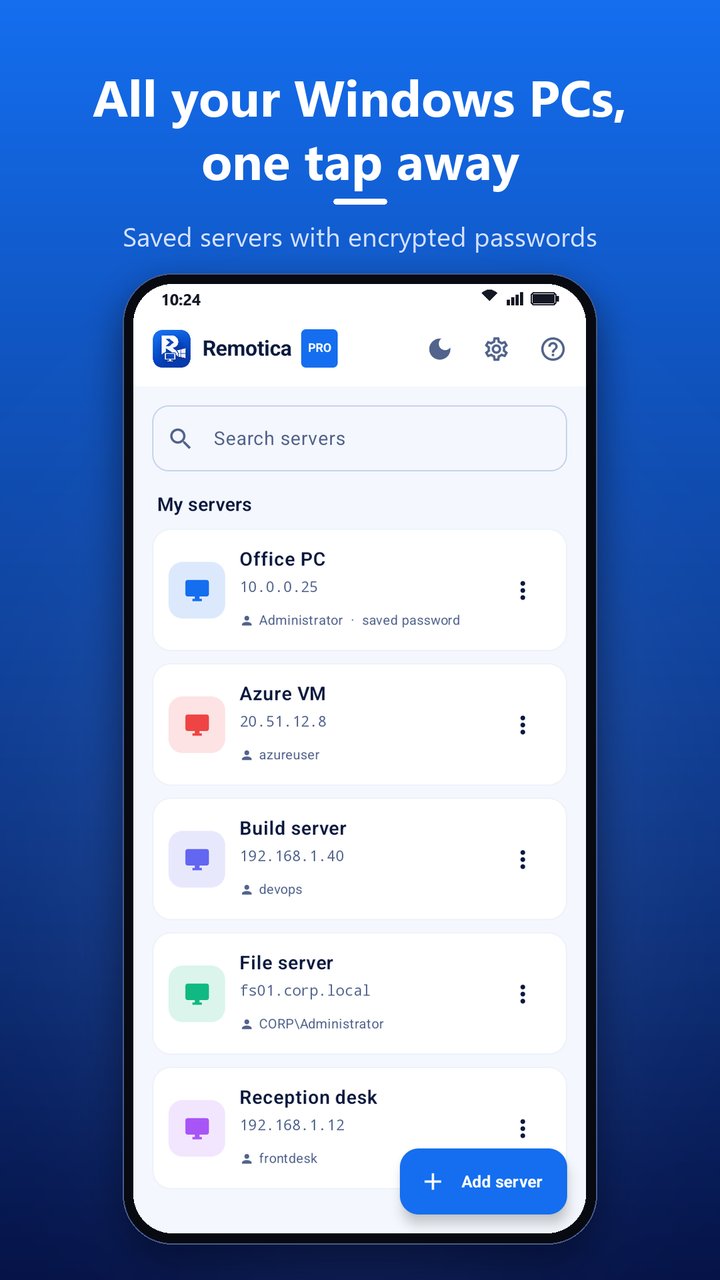
All your Windows PCs, one tap away — saved servers with encrypted passwords
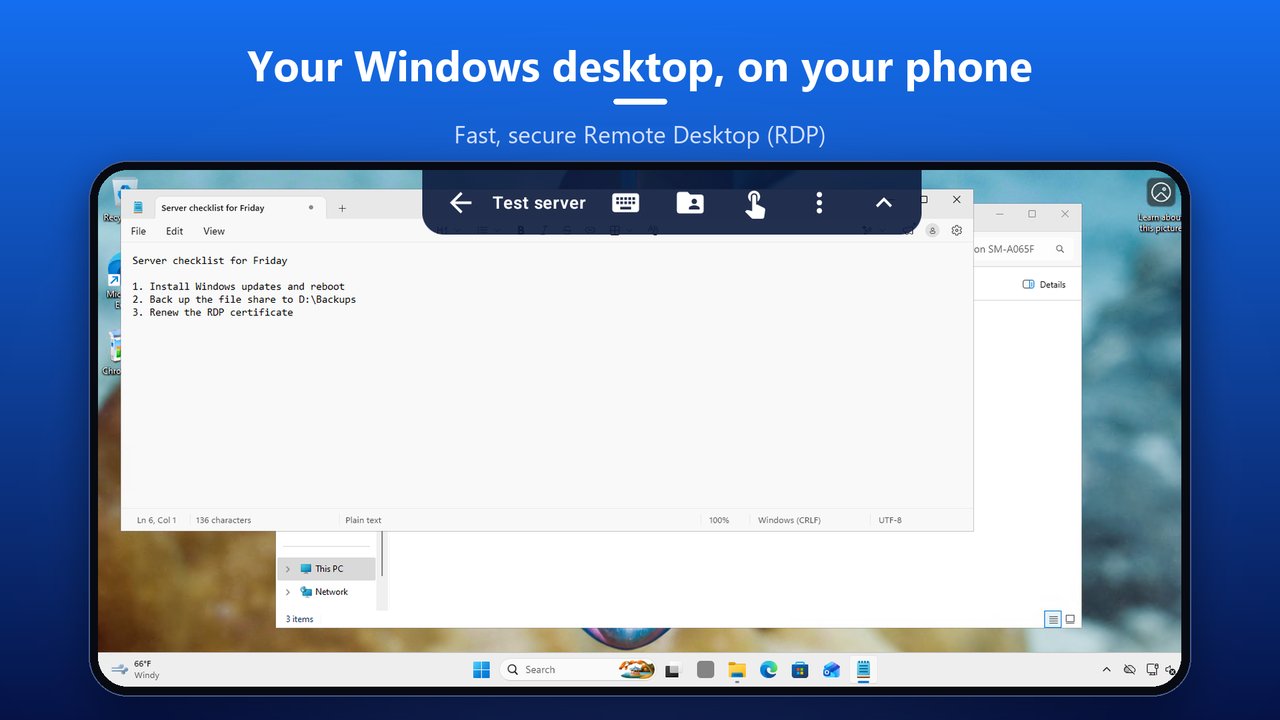
Your Windows desktop, on your phone — fast, secure Remote Desktop
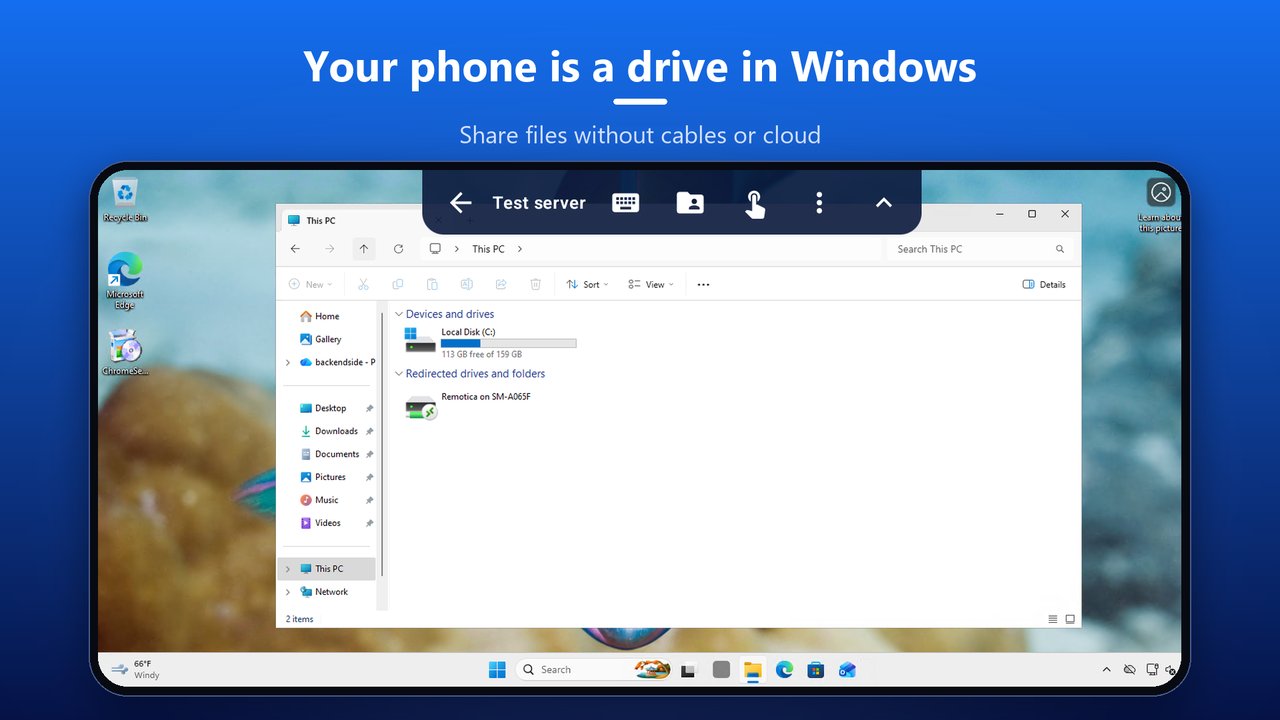
Your phone is a drive in Windows — share files without cables or cloud
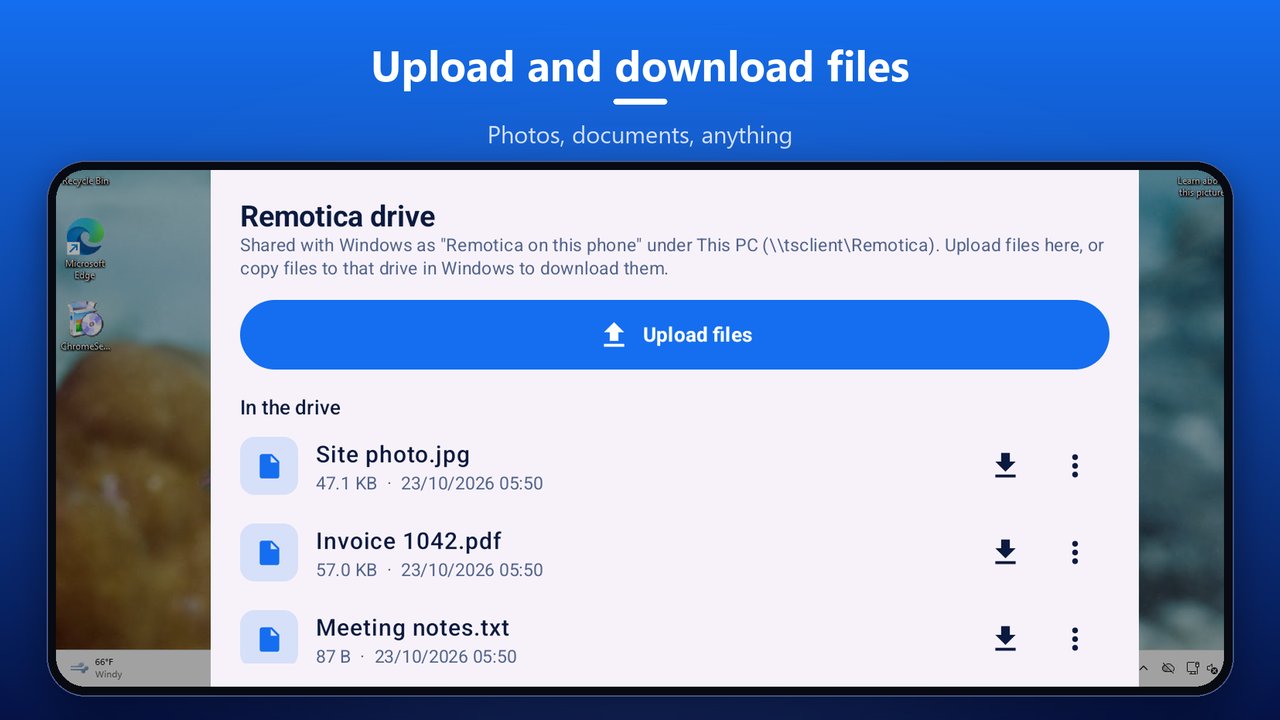
Upload and download files — photos, documents, anything
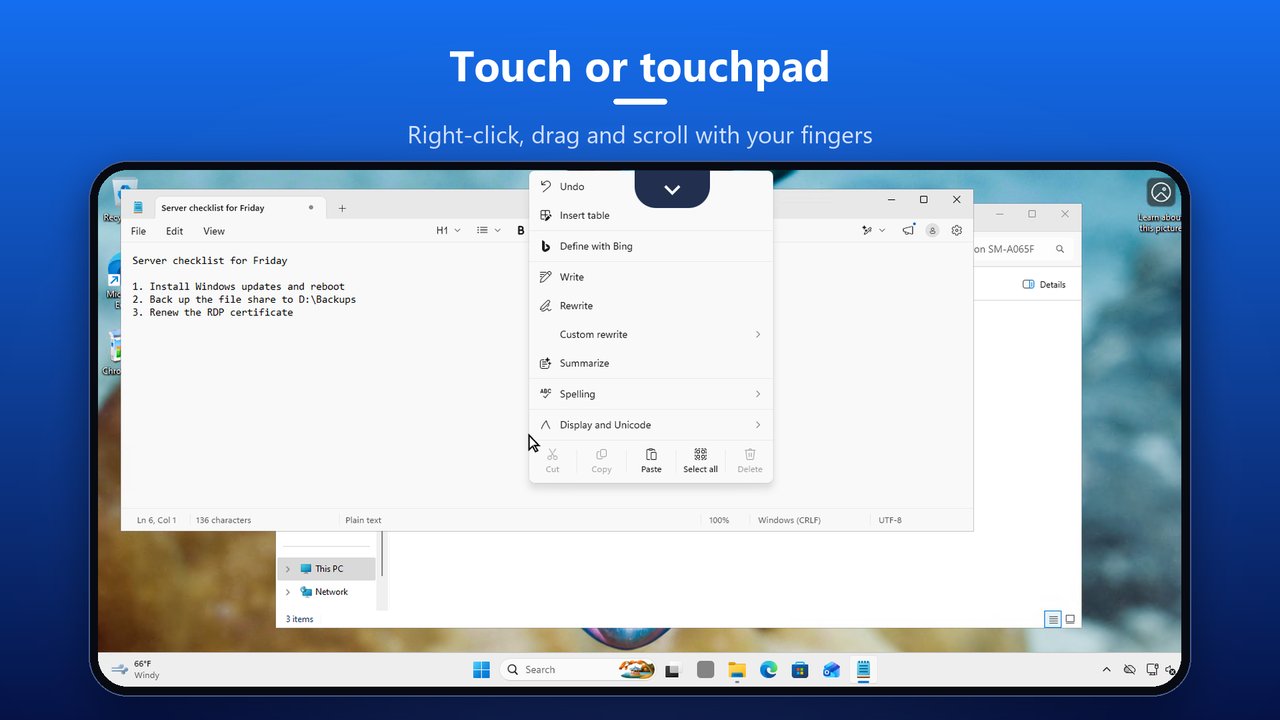
Touch or touchpad — right-click, drag and scroll with your fingers
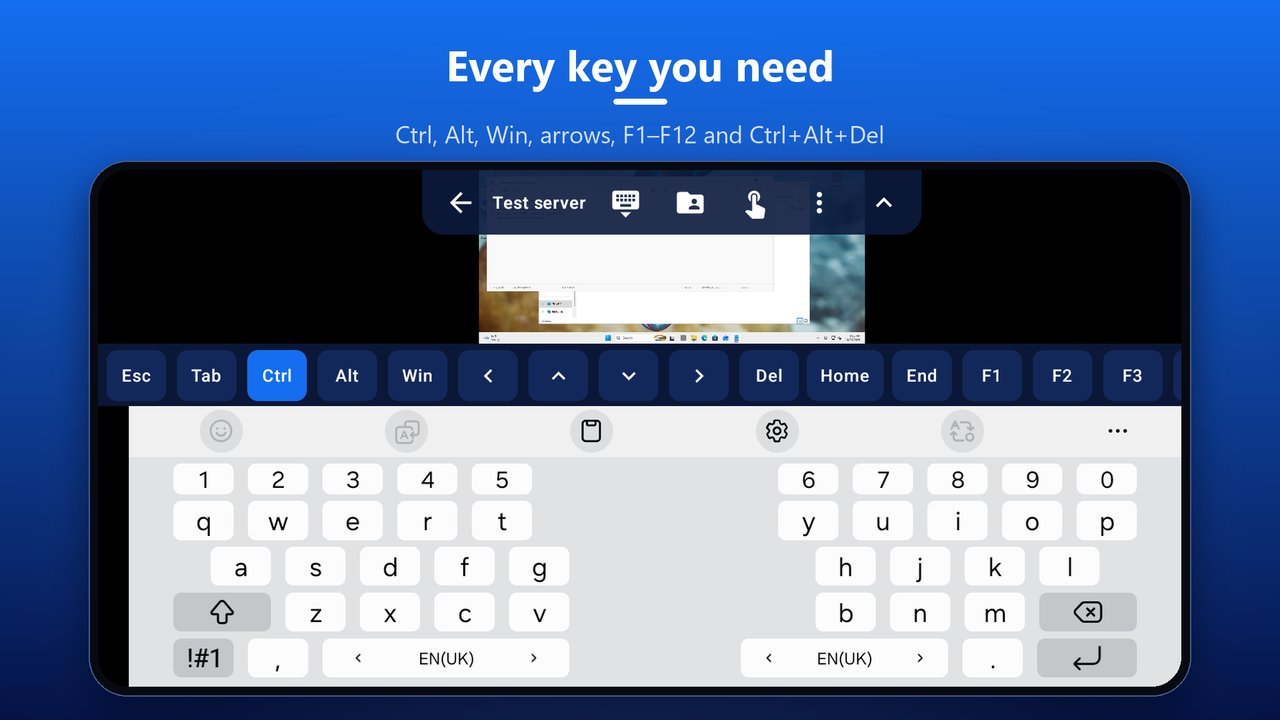
Every key you need — Ctrl, Alt, Win, arrows, F1–F12 and Ctrl+Alt+Del
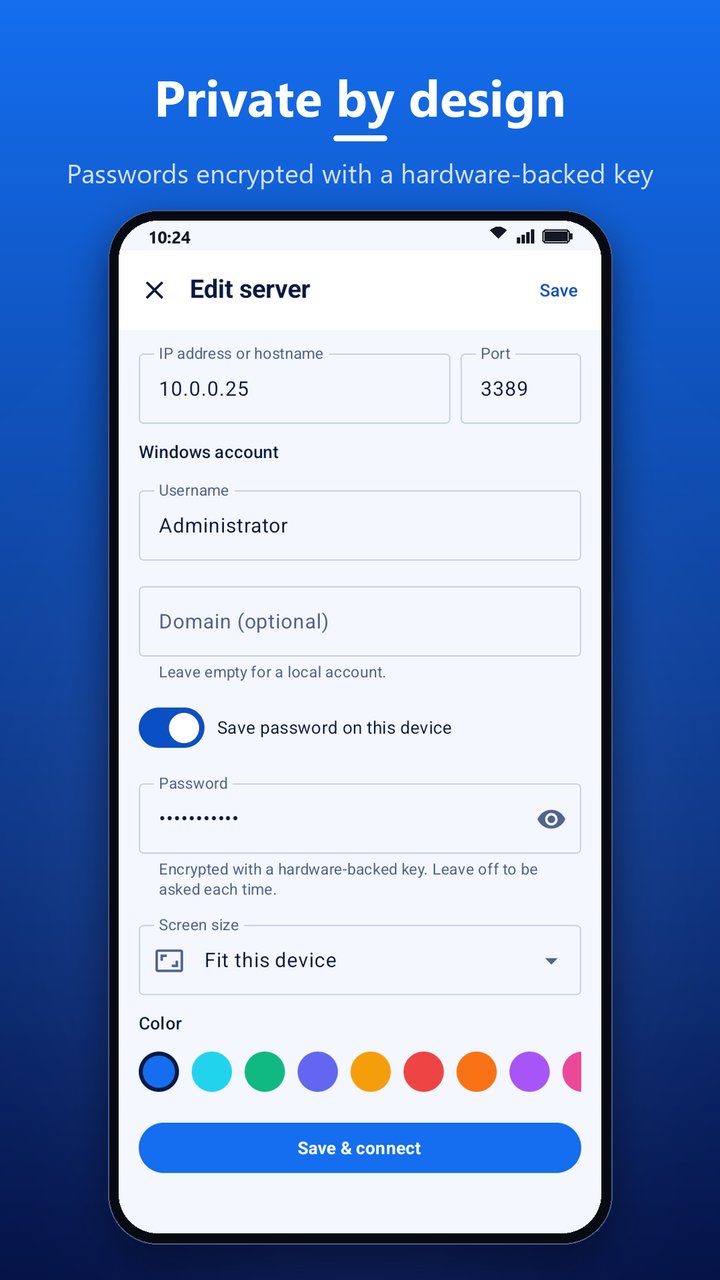
Private by design — passwords encrypted with a hardware-backed key
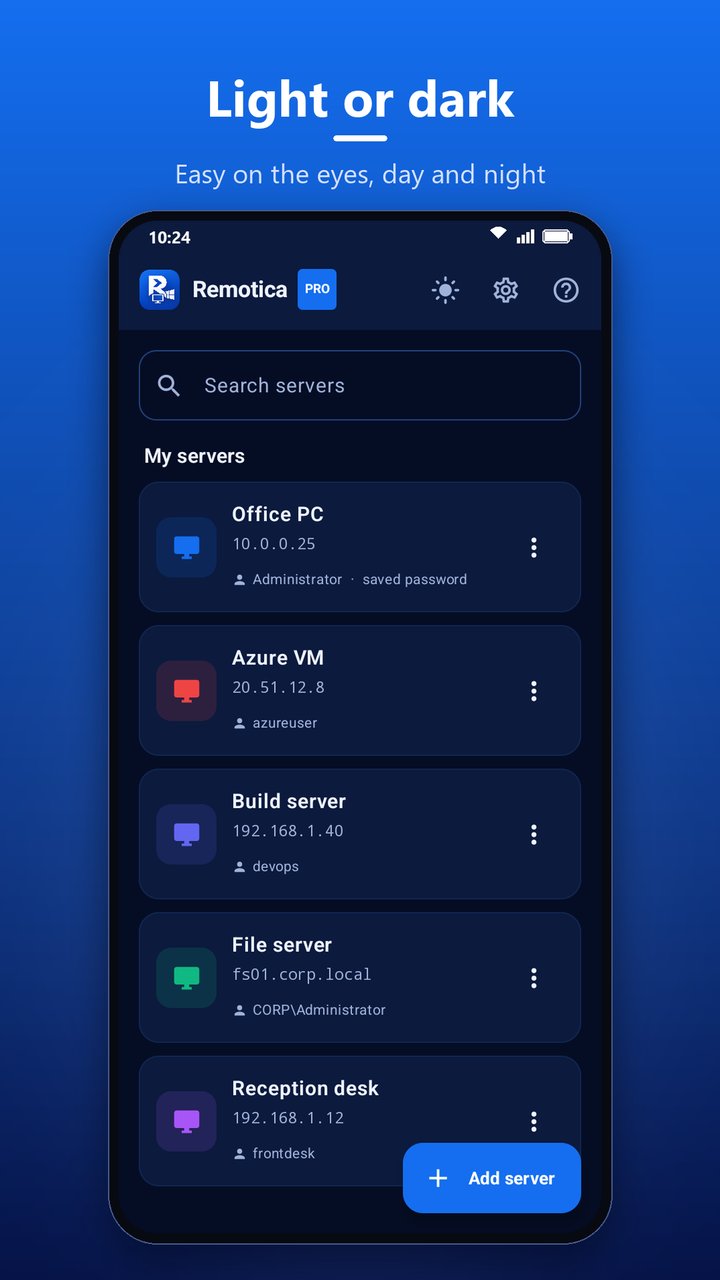
Light or dark — easy on the eyes, day and night
Latest Release
Version 0.2.0 — October 2026
Found and fixed while testing every feature on a phone against Windows 11, now under review on Google Play. Text, capitals and symbols arrive exactly as typed, double tap opens files and folders, the Remotica drive always appears in This PC, uploads and the file picker work, sessions stay connected while you use other apps with a Disconnect button in the notification, Bluetooth and USB keyboards work right away, and Remotica has a new icon and a fresh blue look.