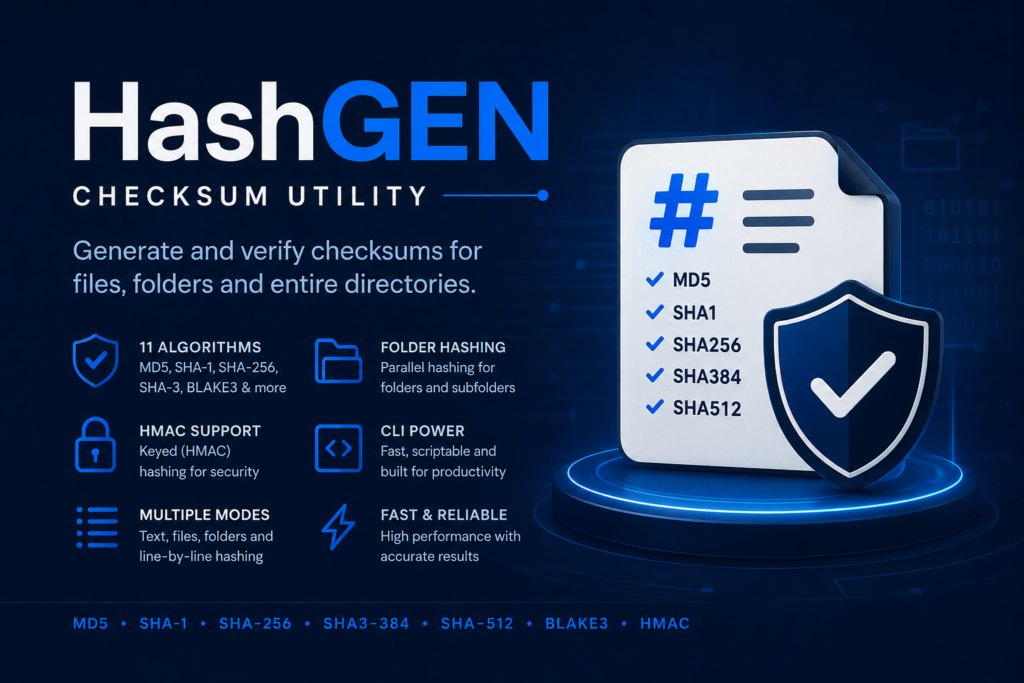
HashGen 2.0 is a complete, ground-up rebuild of our checksum utility for Windows. Same focus — fast, offline, no-nonsense hashing — rebuilt from scratch on a modern foundation, with a cleaner interface, more algorithms, and proper folder and bulk workflows. Here is what is new.
A fresh foundation and a modern interface
Everything under the hood has been rebuilt for speed and reliability, and the interface was redesigned around a clean, Fluent look that automatically follows your system’s light or dark theme. Pages are denser and tidier, so every tool fits without wasted space or scrolling — and a new About page rounds things out.
Eleven algorithms, including modern ones
HashGen 2.0 covers everything from quick integrity checks to strong cryptographic hashing:
- SHA-256, SHA-384, SHA-512 — the modern baseline for integrity and signatures.
- SHA3-256, SHA3-384, SHA3-512 — the latest generation of the SHA family.
- BLAKE3 — extremely fast modern hashing.
- CRC-32, xxHash64 — ultra-fast checks for non-adversarial corruption.
- MD5, SHA-1 — included for legacy compatibility and clearly flagged as insecure.
Every cryptographic algorithm also supports keyed (HMAC) hashing, with keyed-hash support for BLAKE3.
Hash text, files, and entire folders
- Text: hashing happens live as you type, with an algorithm picker, an optional HMAC key, a character count, and one-click copy.
- Files: drag-and-drop or browse, with a real progress bar, cancellation, and a readout of size, elapsed time and throughput.
- Folders: hash an entire directory tree in parallel across your CPU cores, with a live per-file log. Output a single standard
SHA256SUMSfile (compatible with coreutils) or per-file side-cars, with the option to include sub-folders.
Verify, don’t just generate
HashGen 2.0 adds dedicated verify pages for text, files and folders. Paste an expected hash and HashGen checks it for you — automatically detecting the algorithm from the hash’s length, supporting HMAC/keyed verification, and using a constant-time comparison so the check itself does not leak information. You get a clear match / no-match result every time.
Bulk line-by-line hashing
A new Bulk Hash tool hashes every line of a (potentially huge) text file to an output file, streamed line-by-line so the input is never fully loaded into memory. Choose “source + hash” with your preferred separator, or “hash only” — ideal for processing large lists efficiently.
Built for security and privacy
HashGen runs entirely offline — nothing you hash ever leaves your machine. Insecure algorithms are clearly marked so you never reach for MD5 or SHA-1 by accident, and verification uses constant-time comparison throughout.
Easy to install from the Microsoft Store
HashGen 2.0 ships as a packaged Windows app, so installing and updating is a one-click affair.
Get HashGen for Windows
Generate and verify SHA-256 and ten other algorithms for text, files and entire folders — with HMAC keyed hashing, parallel folder hashing, SHA256SUMS manifests and bulk line hashing, all completely offline.
Further reading
- Understanding SHA-256: Why It Matters — the algorithm at the heart of HashGen.
- The Complete Guide to File Integrity Checks — how to put HashGen to work.
Leave a Reply