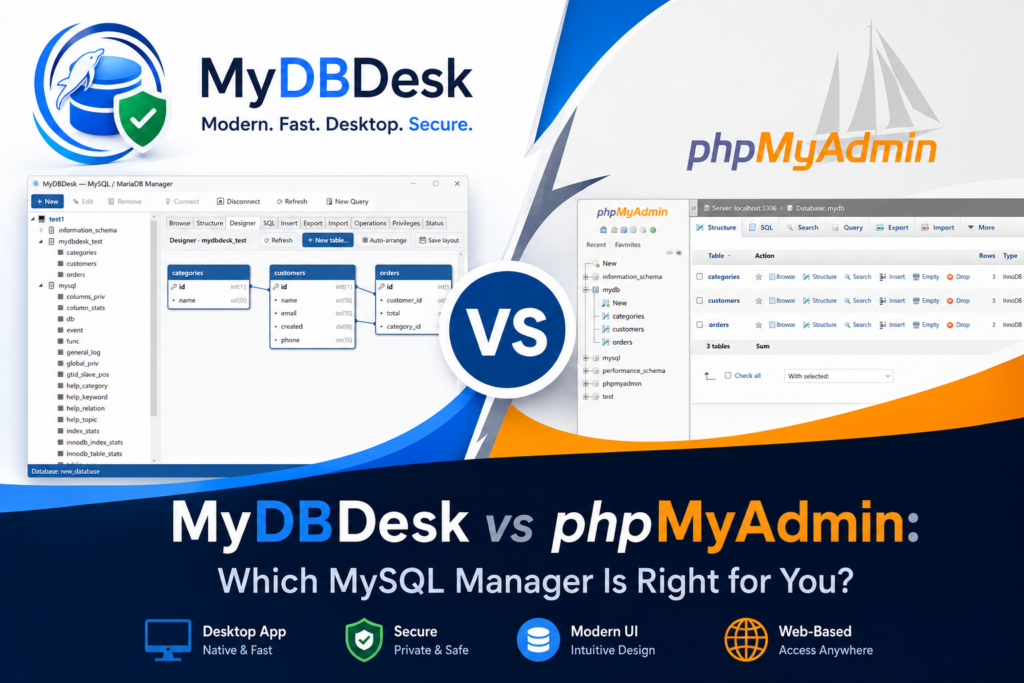
If you work with MySQL or MariaDB, chances are you have spent time in phpMyAdmin. It is the database tool almost every shared host bundles, and it has earned its place. But running your databases through a browser tab is not the only option — and for day-to-day work on Windows, a native desktop manager like MyDBDesk can be a noticeably better fit. Here is an honest, side-by-side look at how the two compare.
What each tool actually is
phpMyAdmin is a free, open-source web application. It runs on a web server next to your database and you reach it through a browser. Because it is bundled with so many hosting control panels, it is often already there waiting for you, with nothing to install.
MyDBDesk is a native desktop application for Windows 10 and 11. It connects directly to your MySQL or MariaDB servers — local or remote — from one window on your own machine. There is no web server to set up, expose, or keep patched.
Where phpMyAdmin still shines
A fair comparison starts with what phpMyAdmin does well, because for some people it is exactly the right answer:
- It is free and open source. No licensing, full source available, a huge community behind it.
- It runs anywhere there is a browser. Windows, macOS, Linux, a Chromebook, even a phone in a pinch — the client is just your browser.
- It is often already installed. If your host bundles it, you can be editing a table within seconds of logging into your control panel.
- It is accessible remotely by design. Anyone with the URL and credentials can use it from anywhere, which is handy for quick fixes on the road.
If you only ever touch one database, on one host, from many different machines, phpMyAdmin is hard to beat on convenience.
Where a desktop manager pulls ahead
Once your work gets a little heavier — several servers, larger tables, frequent schema changes — the browser model starts to show its limits. This is where MyDBDesk is built to help.
Many servers in one window
phpMyAdmin is typically tied to the server it is installed on, so juggling several databases often means several tabs, several logins, and several URLs. MyDBDesk lets you save as many connections as you like and keep several servers open at once, switching between them with a click in the navigation tree. Connection passwords are encrypted and stored on your own device — never in plain text.
A real visual ER designer
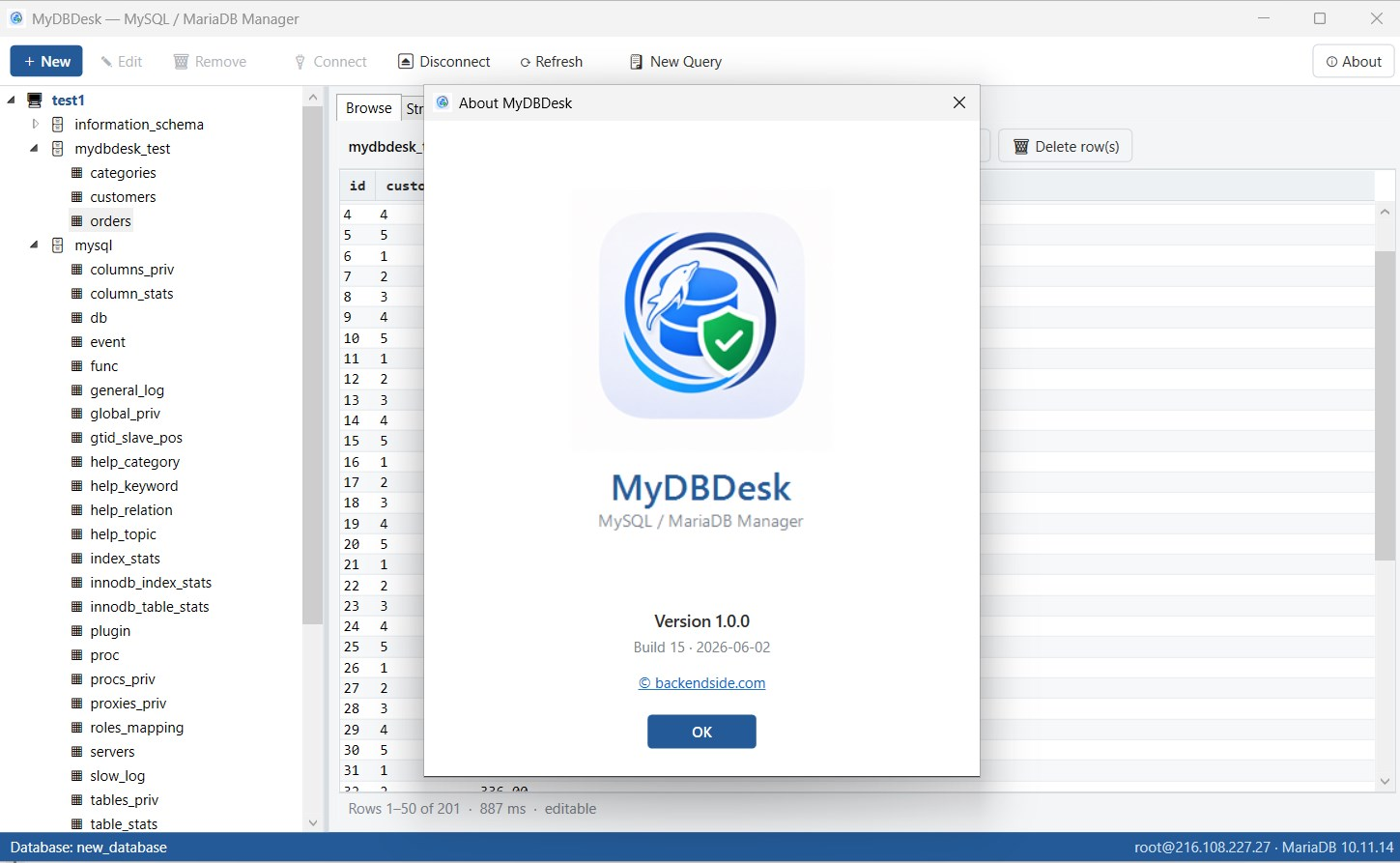
MyDBDesk draws your whole database as an entity–relationship diagram: tables as column boxes, foreign keys as lines between them. You can drag tables to arrange the layout (saved per database), pan and zoom the canvas, and even create a relationship by dragging from one column onto another. For understanding an unfamiliar schema, that picture is worth a hundred table listings.
A SQL editor that remembers
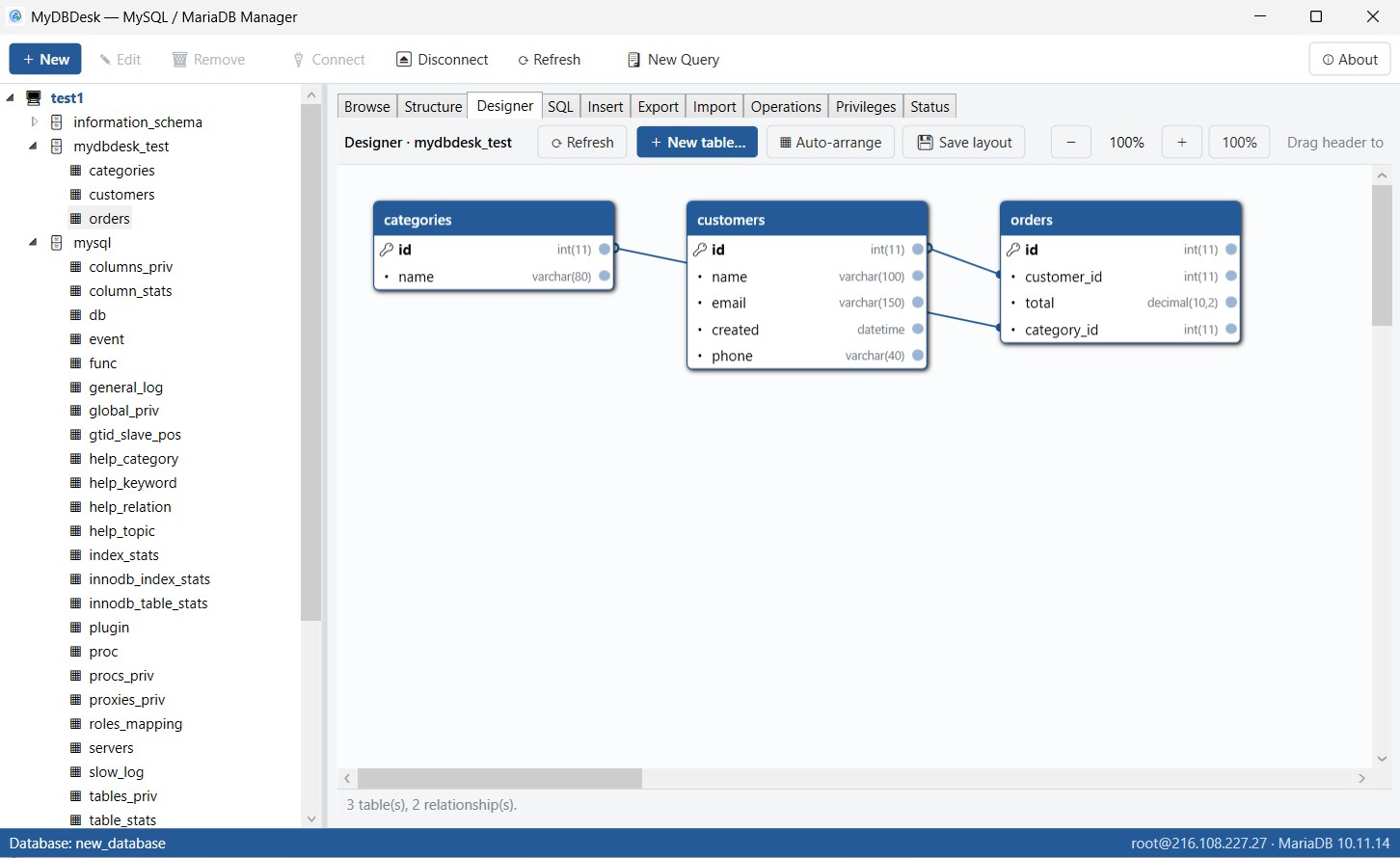
You get line numbers, run with a button or F5, and a Stop button for long-running queries. Every statement you run is remembered and available from a history drop-down — even between sessions — so yesterday’s query is one click away today.
Large exports and imports that don’t freeze on you
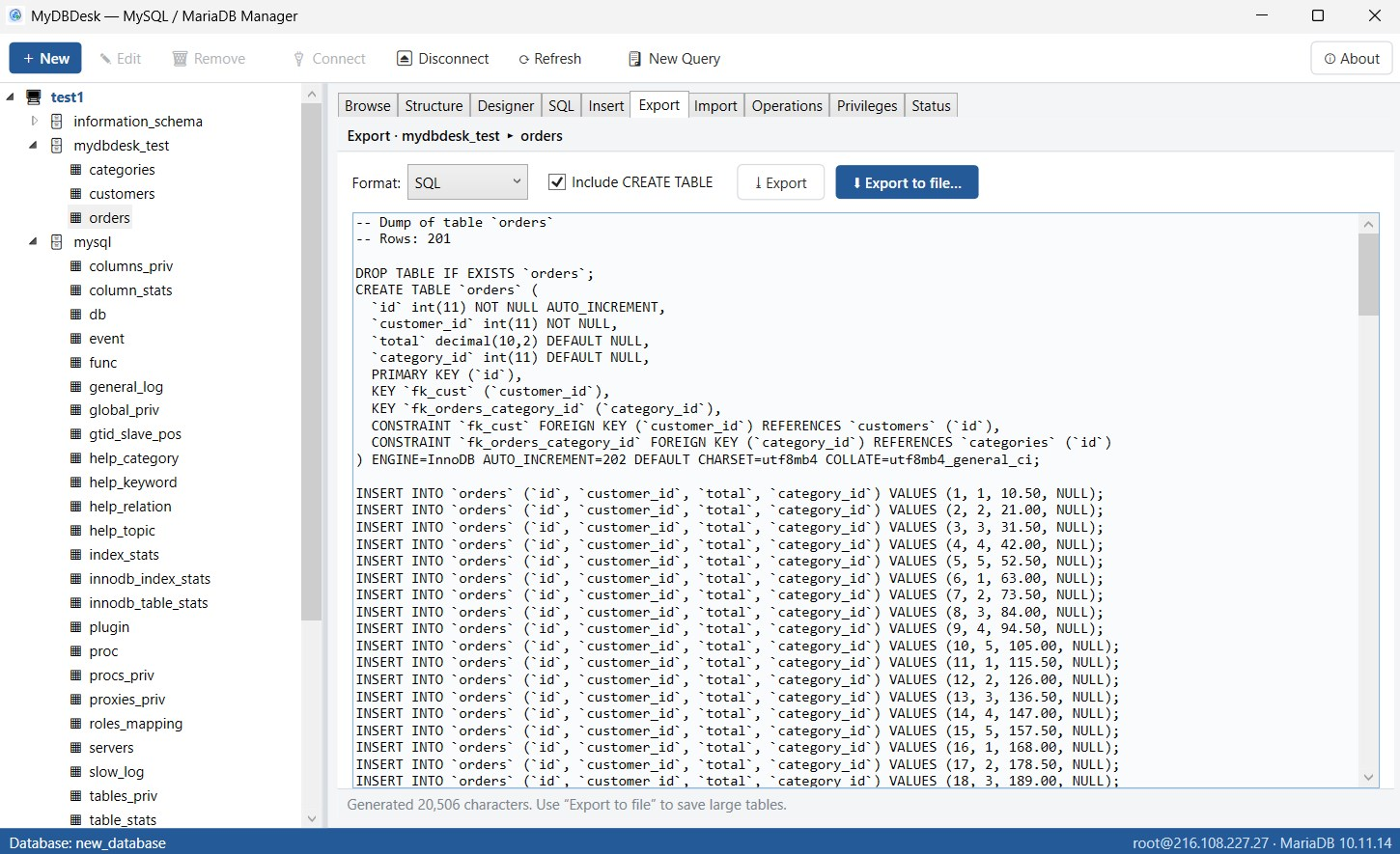
Exporting a big table in a browser can mean a long, silent wait. MyDBDesk streams Export to file straight to disk with a progress bar, and runs .sql or .csv imports from disk without ever loading the file into an editor. Long operations only block the tab they belong to, so you can keep working — and press Cancel at any time.
Nothing extra exposed to the internet
A web-based admin tool is, by definition, a login page on your server that the world can try to reach. With a desktop client there is no admin web app to harden, hide behind a firewall, or keep patched against the next disclosed vulnerability. MyDBDesk runs offline on your machine, with no telemetry and no cloud sync.
Quick comparison
| phpMyAdmin | MyDBDesk | |
|---|---|---|
| Type | Web app (runs in a browser) | Native Windows desktop app |
| Platform | Any OS with a browser | Windows 10 / 11 |
| Cost | Free, open source | Free trial, one-time, no subscription |
| Multiple servers at once | Limited / one at a time | Yes, in one window |
| Visual ER designer | Basic designer view | Draggable diagram with live relationships |
| SQL history across sessions | Limited | Yes |
| Large export / import | Browser-bound, can stall | Streamed to disk, progress + Cancel |
| Attack surface | A public login page on your server | Nothing extra exposed |
| Works offline | Needs the web server running | Runs entirely on your machine |
So which should you choose?
Be honest about your workflow. If you live across many operating systems, only need occasional access, and value a tool that is already installed and free, phpMyAdmin remains a perfectly good choice — and the two can happily coexist.
But if you are on Windows and spend real time in your databases — managing several servers, redesigning schemas, moving data in and out, and tracking down what a query is doing — a native desktop manager will feel faster and calmer than a browser tab. That is exactly what MyDBDesk was built for.
Try MyDBDesk for Windows
A complete visual workbench for MySQL and MariaDB — connect to many servers at once, browse and edit rows in a grid, design tables with a visual ER diagram, run SQL with history, and import or export CSV, JSON and SQL with progress bars. Free trial, no subscription, no ads.
Leave a Reply