Think about the last time you needed to do something with a PDF — merge two of them, shrink one that was too big to email, black out a figure before sharing, or drop a signature on a contract. If you are like most people, you searched for a free website, dragged the file in, and waited. It worked. But in that moment you also did something easy to overlook: you uploaded a complete copy of your document to a company you have never heard of, running on a server you cannot see.
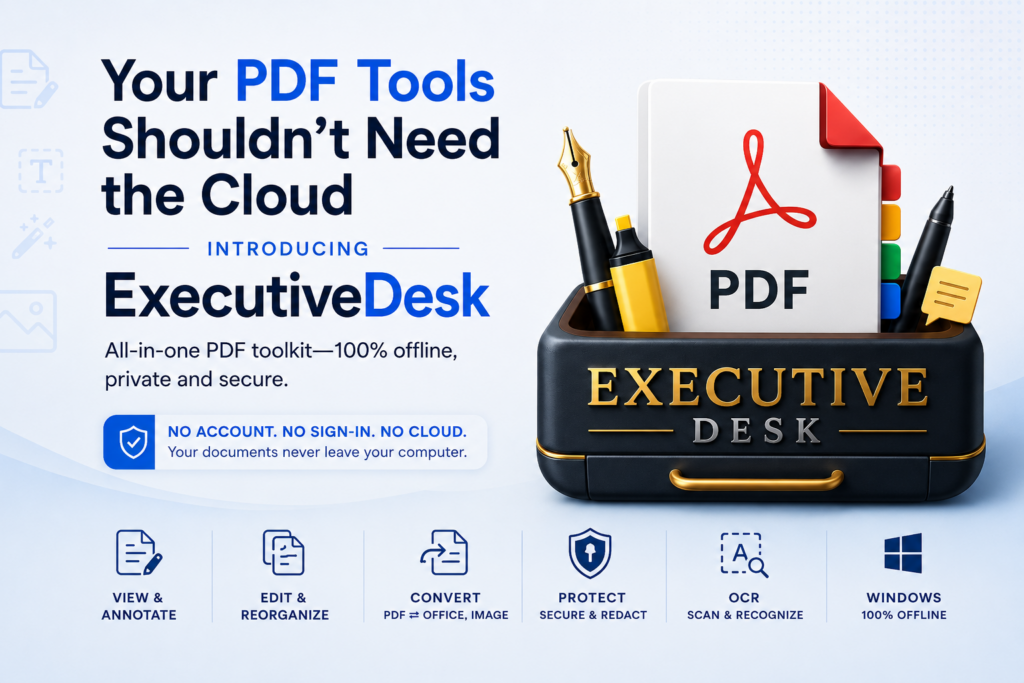
For a holiday flyer, who cares. For a signed contract, a payslip, a medical letter, a bank statement or anything covered by an NDA, that is a genuine problem — and it is the problem ExecutiveDesk was built to solve. It is a complete PDF workbench for Windows that does every one of those jobs entirely on your own machine.
The hidden cost of “free online PDF tools”
Free web-based PDF tools are convenient precisely because they do the work on their servers, not yours. That convenience has a price you do not see:
- Your file leaves your device. Once uploaded, a copy exists on infrastructure you do not control. What happens to it — how long it is retained, whether it is cached, who can access it — is entirely up to the operator and buried in a privacy policy you did not read.
- You often can’t tell who is behind the site. Many of these tools are run by anonymous operators, funded by ads or by quietly analysing what passes through them.
- Sensitive data is exactly the wrong thing to hand over. Contracts, IDs, financial and medical documents are the files you least want on a stranger’s server — and the ones people most often paste into a random converter because it was the top search result.
- You end up juggling five different sites — one to merge, one to compress, one to sign, one to convert — each with its own upload, its own limits, and its own privacy question.
One app, on your machine, for the whole job
ExecutiveDesk collapses that pile of websites into a single native Windows app — and because it runs locally, nothing is ever transmitted. The everyday essentials are free:
- View & read — a tabbed viewer with a thumbnail navigator, search-in-document, a bookmarks/outline panel, and a dark reading mode that follows your Windows theme.
- Organise pages — reorder, rotate, delete and duplicate pages; merge several PDFs; insert pages from another file; extract, crop and resize; and convert images to and from PDF.
- Compress & optimise — Low/Medium/High presets with a live size preview and a before/after savings report, with no watermark and no file-size limit.
ExecutiveDesk — Private, Native PDF Workbench for Windows
ExecutiveDesk lets you view, organise, compress, edit, annotate, secure, redact, fill forms, sign and OCR — all 100% offline, with no account and nothing uploaded. A generous free tier covers viewing, page organising and compression; a one-time Pro unlock adds the full professional toolkit. No subscription.
The Pro toolkit: everything else, still offline
A one-time Pro unlock turns ExecutiveDesk into a full professional PDF tool — and every one of these still runs on your PC:
- Edit & annotate — add text, images and shapes; highlight, underline, ink and sticky notes; headers/footers, page numbering and Bates numbering; then flatten it into the page.
- Security & true redaction — password-protect, set permissions, apply AES-256 encryption, and redact for real: true redaction permanently removes the underlying text and images, not just a black box drawn on top. This matters — the classic data leak is a “redacted” PDF where the black rectangle is only an overlay and the text underneath can be copied straight out. ExecutiveDesk deletes the content.
- Forms — build fields, fill existing forms, flatten them, and import/export field data.
- Sign locally — type, draw or drop in an image signature and place it on the page, with nothing routed through a cloud service.
- OCR — make a scanned PDF searchable and selectable so you can find and copy its text.
- Batch engine — apply the same operation to many files at once, with a queue and a per-file result log.
ExecutiveDesk vs online tools vs Adobe Acrobat
Here is how the three common ways to work with PDFs compare on the things that actually matter.
| What matters | ExecutiveDesk | Free online PDF sites | Adobe Acrobat |
|---|---|---|---|
| Files stay on your device | ✅ Always — nothing uploaded | ❌ Uploaded to their servers | ⚠️ Cloud-tied features |
| Works without an account | ✅ No sign-in | ⚠️ Varies | ❌ Adobe account |
| View, organise & compress | ✅ Free | ✅ Free (with upload) | ✅ Yes |
| True redaction (content removed) | ✅ Yes (Pro) | ❌ Rare / faked | ✅ Yes |
| Edit, forms, signing, OCR | ✅ Yes (Pro) | ⚠️ Piecemeal across sites | ✅ Yes |
| Batch across many files | ✅ Yes (Pro) | ⚠️ Limited | ⚠️ Limited |
| Pricing | Free + one-time Pro | Free / ad-supported | Subscription |
Comparison reflects typical configurations at the time of writing. Adobe Acrobat is a trademark of Adobe Inc. ExecutiveDesk is not affiliated with or endorsed by Adobe.
Free vs Pro
The free tier is genuinely useful on its own — full viewer, page organising, and unlimited, watermark-free compression. Pro is a single one-time purchase (not a subscription) that unlocks edit & annotate, security and true redaction, forms, local signing, OCR and the batch engine, and re-unlocks on your other Windows devices signed in to the same store account.
Key takeaways
- Free online PDF tools work by uploading a full copy of your file to a third-party server — the wrong move for anything sensitive.
- ExecutiveDesk does the whole job locally: view, organise, compress, edit, secure, redact, forms, sign, OCR and batch — nothing leaves your PC.
- Its true redaction permanently removes content, unlike the fake “black box” redaction that leaks data.
- The everyday essentials are free; the professional toolkit is a one-time Pro unlock with no subscription.
- Available now on the Microsoft Store for Windows 10 and 11.
If you have ever pasted a document you would not want made public into a random website just to shrink or sign it, ExecutiveDesk is the habit worth changing.
ExecutiveDesk — Private, Native PDF Workbench for Windows
ExecutiveDesk lets you view, organise, compress, edit, annotate, secure, redact, fill forms, sign and OCR — all 100% offline, with no account and nothing uploaded. A generous free tier covers viewing, page organising and compression; a one-time Pro unlock adds the full professional toolkit. No subscription.
Leave a Reply