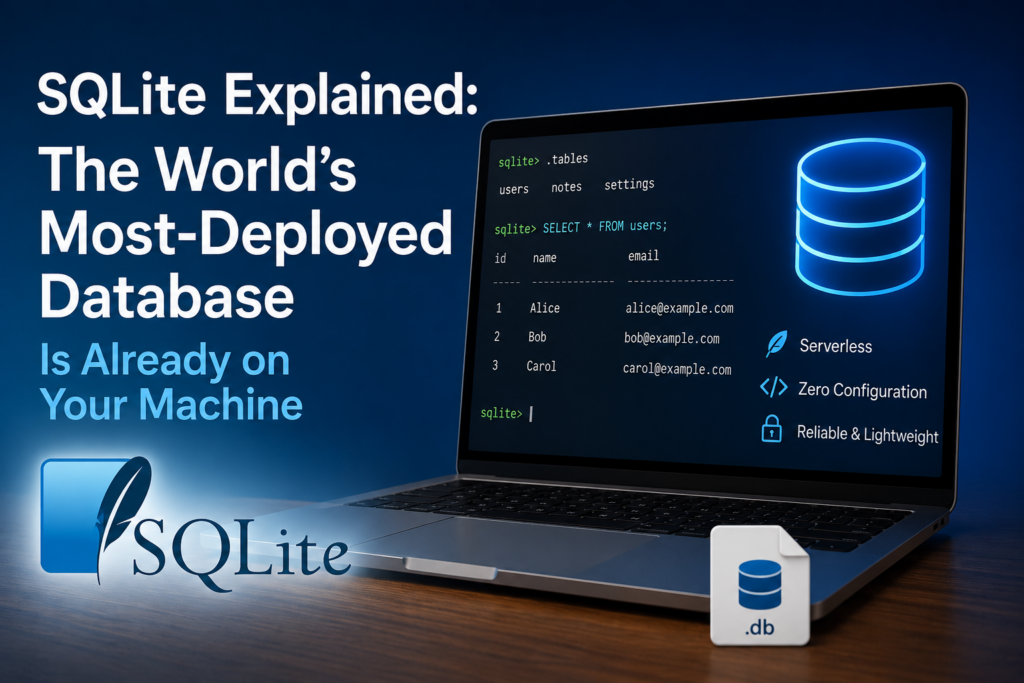
There is a very good chance you have used SQLite in the last five minutes without knowing it. It runs inside your web browser, your phone’s messaging and photo apps, countless desktop programs, aircraft avionics and IoT devices. By most estimates it is the most widely deployed database engine in the world — there are more copies of SQLite in active use than every client-server database combined. And yet many developers have never opened one directly. This is a plain-English tour of what SQLite is, why it is everywhere, and how to actually look inside one.
What SQLite actually is
Most databases you hear about — PostgreSQL, MySQL, SQL Server — are client-server. There is a separate database process running in the background, you connect to it over a socket, and it manages the data on behalf of every app that talks to it. That power comes with setup: install the server, configure users, manage ports.
SQLite throws all of that away. It is a serverless, zero-configuration, self-contained database that lives entirely inside a single ordinary file on disk. There is no server process to start, no network connection, no username or password by default. Your application simply opens the file and reads and writes it directly. When you are done, you close the file. That is the whole model.
Why it is everywhere
The single-file design turns out to be exactly what an enormous number of programs need:
- Phones. Both Android and iOS use SQLite as the default store for app data — contacts, messages, settings, browsing history.
- Browsers. Chrome, Firefox and others keep history, cookies and local storage in SQLite files.
- Desktop apps. From note-taking tools to design software, an app that needs structured local storage almost always reaches for SQLite instead of shipping a whole database server.
- Devices and embedded systems. It is small, dependency-free and rock-solid, which is why it shows up in everything from routers to cars.
The reason is simple: for storing data on a single machine, a whole database server is overkill. SQLite gives you real SQL — tables, indexes, joins, transactions — with none of the operational weight.
The single-file model, and why it matters
A SQLite database is one file, usually ending in .db, .sqlite or .sqlite3 (the extension is just convention — SQLite does not care). Inside that one file live all your tables, indexes, triggers and the schema that defines them. You can copy it, email it, back it up or move it to another computer, and it just works — it is completely cross-platform.
You may occasionally see two companion files next to it, -wal and -shm. Those appear when the database uses Write-Ahead Logging (WAL) mode, which lets readers and a writer work at the same time without blocking each other. They are part of the same database; leave them alongside the main file.
It is a real database — ACID and all
“Lightweight” does not mean “toy.” SQLite is fully transactional and ACID-compliant: a transaction either completes entirely or not at all, even if the power is cut mid-write. It supports most of standard SQL — joins, subqueries, views, triggers, indexes, common table expressions, window functions and full-text search. For the vast majority of what applications actually do with data, it is every bit as capable as the big servers.
When to use SQLite — and when not to
Reach for SQLite when the data lives on one machine: desktop and mobile apps, local caches, small websites, prototypes, configuration and settings stores, analysis of a dataset that fits on disk, or as a portable file format for structured data. Its own authors like to say it competes not with client-server databases but with fopen() — it is the better way to store application data than inventing your own file format.
Choose a client-server database instead when you need many separate machines writing to the same data at once at high volume, very large datasets with heavy concurrent write traffic, or fine-grained network access control across many users. A busy web application with thousands of simultaneous writers is the classic case for PostgreSQL or MySQL. For everything that fits on a single box, SQLite is usually the simpler, faster choice.
SQLiteDesk — Open, Browse and Edit Any SQLite Database
SQLiteDesk is a clean, fast Windows manager for SQLite databases — including SQLCipher-encrypted ones. Browse the schema, edit rows in an Excel-style grid, run SQL with syntax highlighting and schema-aware autocomplete, design tables and ER diagrams visually, import/export CSV/JSON/SQL, and run VACUUM, ANALYZE, REINDEX and integrity checks. 100% offline. Free on the Microsoft Store.
How to actually open one and look inside
So you have a .db file — maybe from an app you are debugging, a data export, or your own project. How do you see what is in it? A SQLite file is binary, so opening it in a text editor shows gibberish. You need a database manager. Whatever tool you use, the workflow is the same:
- Open the file. Point the manager at your
.dband it reads the schema. - Look at the schema. Every SQLite database keeps its own definition in a system table called
sqlite_master. That is where the list of tables, indexes and theirCREATEstatements lives — a database that describes itself. - Browse a table. Pick a table and view its rows in a grid. This is usually where you spend most of your time — reading and spot-editing data.
- Run SQL. Open a query editor and run statements like
SELECT * FROM users WHERE active = 1;to filter, join and aggregate.
A few queries worth knowing the moment you open an unfamiliar database:
-- List every table in the file
SELECT name FROM sqlite_master WHERE type='table';

-- See how a specific table is defined
SELECT sql FROM sqlite_master WHERE name='users';

-- Count rows without loading them all
SELECT COUNT(*) FROM users;
Housekeeping: the maintenance commands
SQLite files benefit from occasional care, especially after lots of deletes and updates:
VACUUMrebuilds the file to reclaim space left behind by deleted rows and defragments it.ANALYZEgathers statistics so the query planner picks better indexes.REINDEXrebuilds indexes.PRAGMA integrity_check;verifies the file is not corrupted — the first thing to run if a database is behaving strangely.
A note on encrypted databases
Plain SQLite files are not encrypted — anyone who can read the file can read the data. For sensitive data, SQLCipher transparently encrypts the entire database file with a passphrase. It looks and behaves like ordinary SQLite once unlocked, but on disk it is unreadable without the key. If you are storing anything private in a local database, this is the standard way to protect it.
Doing all of this on Windows
You can drive SQLite from the command line, but a visual manager makes browsing and editing far quicker — especially when you just want to look at some data or fix a value. That is exactly what SQLiteDesk is for: open any .db (including SQLCipher-encrypted ones), see every table in a searchable explorer, edit rows in an Excel-style grid, write SQL with autocomplete, visualise the schema as an ER diagram, and run the maintenance commands above from a menu instead of memorising them.
SQLiteDesk — Open, Browse and Edit Any SQLite Database
SQLiteDesk is a clean, fast Windows manager for SQLite databases — including SQLCipher-encrypted ones. Browse the schema, edit rows in an Excel-style grid, run SQL with syntax highlighting and schema-aware autocomplete, design tables and ER diagrams visually, import/export CSV/JSON/SQL, and run VACUUM, ANALYZE, REINDEX and integrity checks. 100% offline. Free on the Microsoft Store.
Key takeaways
- SQLite is a serverless, zero-config database in a single file — and the most widely deployed database engine in the world.
- It is a real, ACID-compliant SQL database, not a toy — it just skips the separate server process.
- Use it for anything that lives on one machine; choose a client-server database only for high-concurrency, multi-machine write workloads.
- Every SQLite file describes itself via
sqlite_master— list tables, read schemas and browse rows to understand any database. - Keep files healthy with
VACUUM,ANALYZEandPRAGMA integrity_check; use SQLCipher when the data is sensitive. - SQLiteDesk gives you all of this in one free Windows app — browse, edit, query, diagram and maintain any SQLite database.
SQLiteDesk — Open, Browse and Edit Any SQLite Database
SQLiteDesk is a clean, fast Windows manager for SQLite databases — including SQLCipher-encrypted ones. Browse the schema, edit rows in an Excel-style grid, run SQL with syntax highlighting and schema-aware autocomplete, design tables and ER diagrams visually, import/export CSV/JSON/SQL, and run VACUUM, ANALYZE, REINDEX and integrity checks. 100% offline. Free on the Microsoft Store.
Leave a Reply